
Creating Temperature Towers in Simplify3D
🛍️ Products Mentioned (3)
In today's video I am demonstrating how to set temperature changes in a temperature tower STL file! This will help you calibrate your 3D printer to find the best temperature range for a new material! I'll walk you through the model I found, how to select the layers to change temperatures and finally, how to make the temperature changes at those layers! Temp Tower model used: https://www.thingiverse.com/thing:2493504 Happy 3D Printing and be sure to Subscribe! ⭐ Support me and my Channel with a Donation! ⭐ https://www.paypal.me/wherenerdyiscool Don't forget our Web Forums! http://www.3dprintingforum.us/ Save money with these Coupon Codes! Use Coupon Code "NerdyisCool" for 15% off at ZYLTech.com
🎬 More from Where Nerdy is Cool!

Anycubic Kobra X: The $100 Cheaper Alternative That Prints 9 Hours Faster
3.1K views
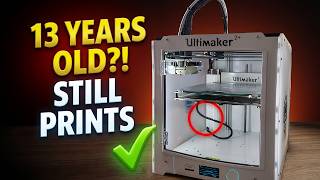
13-Year-Old 3D Printer Back to Life | Ultimaker 2+ Heated Bed Repair
777 views

Filament Storage Done Right? | Yoopai Pro Containers
508 views

Big Channel Update | 4K Upgrade, New Channel Launch & What’s Next
151 views

Giant Printer Modernization | Direct Drive, New Hotend & 24V Conversion
1.2K views

I Recharged Desiccant Packs Using an Air Fryer (Safer Than an Oven?)
647 views