
Amazon Echo Hubitat, Smart Control...make it work!!
Got and Amazon Echo device? Get it working with Hubitat and super charge your smart home devices fast! I explain how to quickly add smart bulbs and other devices to the Hubitat hub and control it all through Amazon Echo. This is a step by step how to on getting it all set up in the apps. 00:00 Intro 1:54 Device Discovery 2:43 Device Initialization 5:25 Rename Devices 6:03 Device Identification in Web UI 6:43 Share Device to Amazon Alexa 8:24 Confirmation ((CLICK SHOW MORE FOR EVERYTHING MENTIONED)) ***AFFILIATE LINKS USED ABOVE. Not a sponsored video. Post contains my genuine recommendations and opinions. FOLLOW ME ON INSTAGRAM! “MrRemoteLife” TikTok - MrRemoteLife FACEBOOK page - https://www.facebook.com/MrRemoteLife SNAPCHAT - “MrRemoteLife” https://www.snapchat.com/add/edbibbs Music: theXmen Business Inquires: TiMarEntertainment@gmail.com IG:https://www.instagram.com/thexmen_/
🎬 More from Mr. RemoteLife
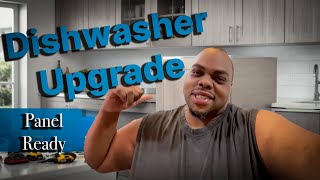
DIY Dishwasher Swap: Panel-Ready Upgrade Tips!
96 views
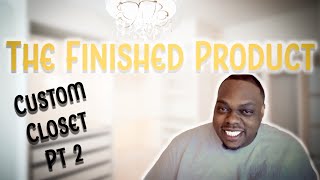
Custom Closet Makeover: From Empty Room to Dream Space!
46 views

DIY Custom Closet: IKEA PAX System Made Easy!
202 views
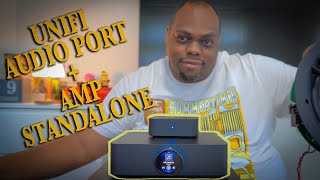
Unifi Amp And Audio Port | It Works!
1.6K views

From Zero to Pro Studio: Our Epic Build Unveiled!
162 views
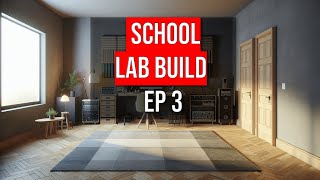
School Studio Build: Progress & Plans Unveiled! Ep 3
136 views