
5 Ways To Empty Trash On iPhone (2026)
iPhone storage full and you’re not sure why? In this video, I’ll show you 5 powerful ways to truly clear hidden trash on your iPhone, including permanently deleting photos, cleaning up Messages attachments, managing Files, and freeing space by offloading apps. These simple tips will help you recover storage quickly and keep your iPhone running smoothly without needing any extra apps. #AppTutor #iPhone
About This Video
Frequently Asked Questions
🎬 More from App Tutor

FIX AirPlay Not Working on iPhone 2026 (4 Easy Fixes)
347 views

FIX Facebook Marketplace Not Working (3 Fixes!)
164 views

How to Delete ALL Instagram Posts At Once (2026)
415 views

LG Smart TV No Sound? 5 Easy Fixes That Actually Work (2026)
701 views
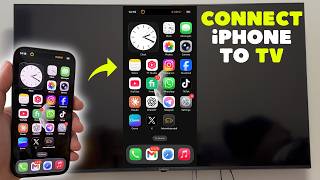
Connect iPhone to Smart TV (2026)
618 views

Fix CapCut Export Stuck at 99% on Mobile (4 Solutions)
210 views