
Intro to Manual Steps
Welcome to Unify University 🎓 | Unify 201: Intro to Manual Steps In this tutorial, we’ll explore all the Manual Steps you can now add to Unify sequences—giving you the power to combine automation with personalized human touchpoints. You’ll learn how to: ✅ Add manual emails, phone calls, LinkedIn steps, and action items to your sequences ✅ Set priority levels and assign tasks dynamically (e.g. via mailbox owner or enroller) ✅ Personalize outreach for high-value leads like senior executive buyers ✅ Use action items for creative plays—like sending gifts or triggering custom workflows Whether you’re cold calling, customizing emails, or working a strategic outbound motion, manual steps help you stay flexible while keeping your workflows organized. Follow: @Unifygtm Don’t forget to like, comment, and subscribe! :)
🎬 More from Unify

Outbound Email Masterclass Webinar
138 views

How AI Changed LinkedIn in 2026: 3 Trends for Founders
37 views

What is the best monthly update LinkedIn post format for founders?
13 views

Vibe Coding for Sales Webinar: What Leaders Are Actually Building With AI | Live Demos & Real Talk
175 views

Vibe Coding for Marketers: How to stop prompting and start building
116 views
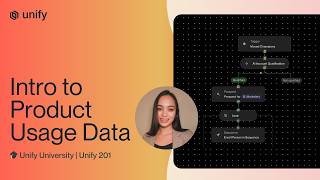
Unify University: Intro to Product Usage Data
61 views