
What SETTINGS make Ace Pro 2 EPIC for cinematic filmmaking?
🛍️ Products Mentioned (3)
Ace Pro 2 Affiliate Link: https://geni.us/sphgA5L Thanks to Insta360 for sponsoring this video and allowing us to showcase their latest product, the Ace Pro 2. We hope this video helps you create better cinematic videos with your Insta360 Ace Pro 2. If you're keen to get your hands on an Ace Pro 2, leave a comment with the action sport you'd like to capture best and which country you live in. The winner will be announced in 7 days via the community tab on this YouTube channel. Thank you to all the legends who helped to make this project possible! Music from MusicBed MusicBed: https://geni.us/2ybLLk Edited with Premiere Pro Adobe Premiere Pro: https://geni.us/w8Pt #acepro2 #acepro #insta360 #gopro #travel #cinematic #filmmaker
About This Video
Frequently Asked Questions
🎬 More from Jake Rich and Anna Chah
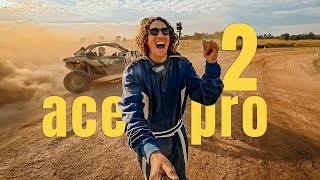
Insta360 Ace Pro 2 (FPV, skydiving, V8, kite-surfing, freediving)
2.8K views
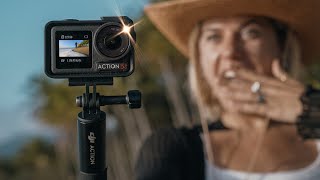
DJI Osmo Action 5 Pro | time for an upgrade?
9.7K views
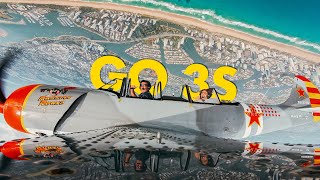
Insta360 GO 3S but, make it CINEMATIC
13.5K views
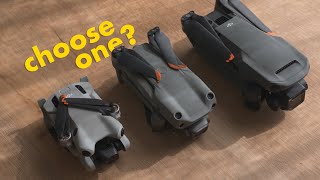
DJI Mini 4 Pro (TINY but...for your first drone?)
14.4K views
Insta360 X4 Friendly Advice for Cinematic Travel Videos
13.5K views
Insta360 X4 Cinematic Travel Australia
18.0K views