
Insta360 X4 Friendly Advice for Cinematic Travel Videos
🛍️ Products Mentioned (5)
Grab X4 here: https://geni.us/kacPu7B Dive case for your X3/X4: https://geni.us/jZLXDc X4 Showcase: https://youtu.be/Slpl-rA5HBY Are you thinking about getting into the world of 360-action camera footage? In this video Jake Rich shares his thoughts and opinions on how to create cinematic travel videos with the insta360 x4. Video edited in Adobe Premiere Pro Free trial here: https://geni.us/w8Pt Music licensed from Musicbed Soundtrack your next travel film here: https://geni.us/2ybLLk Bite Mount: https://geni.us/J2AFy8f Insta360 Suction Cup Mount: https://geni.us/J2AFy8f Insta360 Car Mount: https://geni.us/J2AFy8f Disclosures: All opinions are my own. Sponsors are acknowledged. Some links in the description are affiliate links that if you click on one of the product links, I’ll receive a commission at no additional cost to you. As an Amazon Associate, I earn a small commission from qualifying purchases. #Insta360 #insta360x4 #360 #x4 #8kvideo #insta360x3
About This Video
Frequently Asked Questions
🎬 More from Jake Rich and Anna Chah
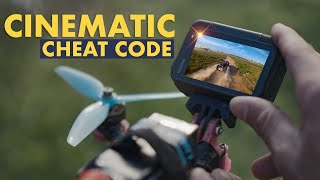
What SETTINGS make Ace Pro 2 EPIC for cinematic filmmaking?
12.3K views
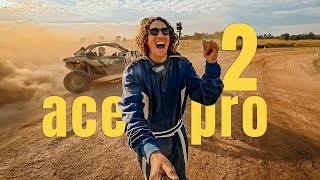
Insta360 Ace Pro 2 (FPV, skydiving, V8, kite-surfing, freediving)
2.8K views
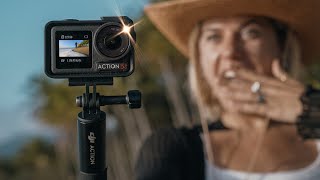
DJI Osmo Action 5 Pro | time for an upgrade?
9.7K views

Insta360 GO 3S but, make it CINEMATIC
13.5K views
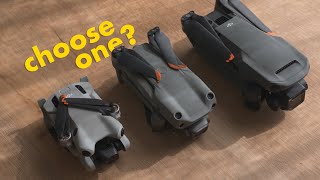
DJI Mini 4 Pro (TINY but...for your first drone?)
14.4K views

Insta360 X4 Cinematic Travel Australia
18.0K views