Vigyata.AI
Is this your channel?

MacBook Coding Hacks That Made Me a Better Software Engineer

3.3K views· 114 likes· 5:57· Mar 21, 2025

🛍️ Products Mentioned (3)

⌨️ Check out my Course on Coding and Selling APIs: https://payhip.com/b/oJ1s5 For a while now, I’ve been using this MacBook as my main development machine, and over time, I’ve found a bunch of tweaks, tools, and optimizations that make coding on macOS way smoother. A bunch of things you don’t even know you need until you get them. Whether it’s getting more screen space, speeding up my workflow, or just making everything feel snappier, these small changes add up to a big difference. So in this video, I’ll share the best ways to improve your coding experience on a MacBook. Don’t forget to share your thoughts about this tweaks! Also, if you got any questions, feel free to ask. ● ● ● Business Inquiries: worksonmym@gmail.com ● ● ● 20% Off Scrimba (The Best Way To Learn How To Code): https://scrimba.com/?via=AndyTriesCoding #softwareengineer #coding #mac music from: https://freetouse.com/music ’biscuit’ by ‘massobeats’
About This Video

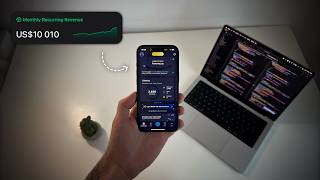
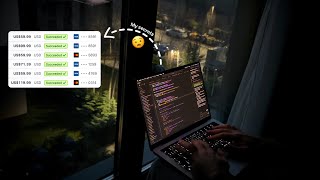
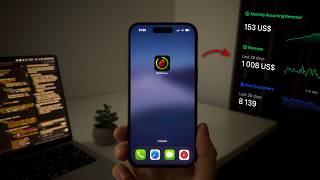
For a while now I’ve been using this MacBook as my main dev machine, and in this video I break down the tweaks that made macOS feel way smoother for coding. The big theme is simple: small workflow upgrades stack up fast—more screen real estate, less friction opening apps, and a setup that feels snappy even on a 14-inch laptop. I show how I use multiple desktops, hide the dock, and rely on Spotlight (or alternatives) so I’m not wasting pixels or time. Then I get into the tools that actually move the needle. I switched from the default Terminal to iTerm2 because the extra features are the kind you don’t realize you need until you have them—search, autocomplete, paste history, profiles, and more. From there I customize with Oh My Zsh plus plugins like autosuggestions and “z” for jumping between directories, and I use Homebrew to install and manage software faster from the command line. I also talk about Raycast as a faster launcher, Cursor as an IDE that understands more of your codebase than typical Copilot-style autocomplete, and a few macOS essentials like Rectangle for window snapping and a clipboard manager like Maccy. Bonus: I share how a lean setup (terminal + IDE + this MacBook) helped me build an API side hustle that did over $5,000 in the last 30 days—because the goal isn’t just code, it’s shipping profitable software.

Frequently Asked Questions

🎬 More from Andy Tries Coding