
Altium Develop - Adding components to your workspace (for SMBs)
🛍️ Products Mentioned (1)
Altium Free Trial: https://www.altium.com/yt/kirschmackey Here's how to add components to your Altium Workspace. This procedure is not your typical standard way to add parts without a cloud environment. So if you don't have workspace, this won't apply to you. If you're in enterprise or using Altium Develop with the workspace (can't get them separately), then I'll set you up for success in business best practices. If you're an electrical or electronics engineer looking to design printed circuit boards and hardware products, then you need to watch this video and take notes. @AltiumStories #altiumstories
About This Video
Frequently Asked Questions
🎬 More from TechEdKirsch
Hardware PCB design best practices for adding components (shown using Altium)
169 views

How Do Companies Create Hardware Products? Process Overview for Electrical Engineers
128 views
What is Altium Doing in 2026? Altium Develop and Agile The Best for Hardware Companies???
222 views
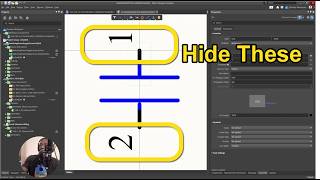
Altium Designer Tip - How to Make Pin Numbers Not Visible for Teams and Enterprise
48 views
Altium Designer Develop 2026 Part 1 - Installation and What is it?
481 views
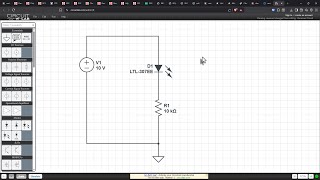
Applying Resistance Theory (What They Don’t Teach) - Resistors Part 4
99 views