Vigyata.AI
Is this your channel?

How I Put Coreboot On My Thinkpad T440p

3.5K views· 109 likes· 7:54· May 12, 2025

🛍️ Products Mentioned (2)

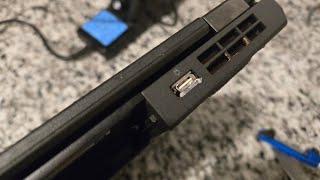
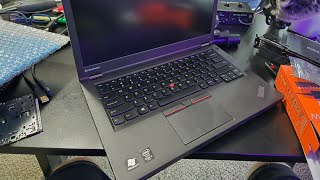
I put Coreboot on my Thinkpad T440p today. I used me_cleaner to neuter the Intel Management Engine. I found out that ironically OpenBSD will not work with Coreboot on my device. Here are the links I used: https://www.reddit.com/r/coreboot/comments/1d8q5nt/lenovo_t440p_with_tianocore_edk_2_build_guide/?rdt=61383 https://blog.0xcb.dev/lenovo-t440p-coreboot/


About This Video

In this video I finally did the thing: I put Coreboot on my ThinkPad T440p, and yeah, it was my first time ever messing with a BIOS like this. I used a cheap CH341A programmer (the little sub-$10 Amazon special) and one of those SOIC clips that everybody loves to complain about. I also walked through the T440p TianoCore EDK2 build guide(s), and I’ll be real: the Reddit compilation guide kind of worked until it didn’t. I hit issues around the checkout/build steps, so I ended up mix-and-matching with the 0xcb.dev write-up and that’s what finally got me to a compiled build that actually flashed and booted. Once it was up, the big win for me was getting a free BIOS on the machine and neutering the Intel Management Engine with me_cleaner. I show the boot behavior and the little “Scrub” bit during startup (which, as far as I can tell, is the ME freaking out—good). The annoying twist is that OpenBSD, my OS of choice, just doesn’t work right on this specific Corebooted T440p: it won’t recognize the hard drive or Ethernet. So I’m running Debian on it instead, because I want this machine stable and minimal (and I know myself—if I throw Nix on it, it’ll get bloated fast).

Frequently Asked Questions

🎬 More from Zaney