
Mellanox ConnectX-4 100Gb NIC, Firmware Update and Ethernet Mode
🛍️ Products Mentioned (4)
Featured Products: (affiliate links) Mellanox ConnectX-4... https://ebay.us/yT26fp Command Reference... https://enterprise-support.nvidia.com/s/article/getting-started-with-connectx-4-100gb-s-adapter-for-linux Firmware Tools... https://network.nvidia.com/products/adapter-software/firmware-tools/ Firmware Files... https://network.nvidia.com/support/firmware/connectx4ib/ Discussing firmware updates and enabling Ethernet mode on a Mellanox ConnectX-4 100Gb network adapter. This card can be used for both InfiniBand (default) and traditional Ethernet modes. Chapters: 00:00 Introduction 00:33 Reference Pages 01:02 Supporting Packages 01:37 Firmware Tools 02:28 Firmware Update 04:40 Ethernet Mode 07:12 Conclusions Contact Info: Business email is lithiumsolardiy@gmail.com. I am not available for personal project questions or consultation. Disclaimers and Statements: ► I receive a small commission on purchases made using my affiliated links shared the video description and comments section. The views and opinions expressed here are my own, unbiased, and not influenced by this commission in any way.
About This Video
Frequently Asked Questions
🎬 More from Home SysAdmin
Supermicro 45-Bay JBOD Disk Shelf Upgrade, Running 105 Hard Drives
11.3K views
Self-Hosted VPN Made Easy! OpenVPN Setup Guide for PFSense
14.2K views
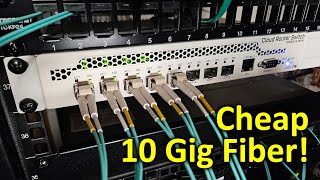
Cheap 10Gig Fiber with Mikrotik CRS309-1G-8S+IN Network Switch, Setup Guide
36.3K views
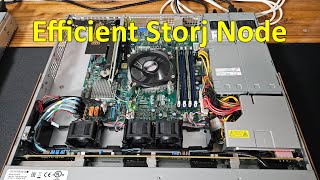
Building a Storj Node and Migrating Existing Contents, FUN HomeLab Project
6.8K views
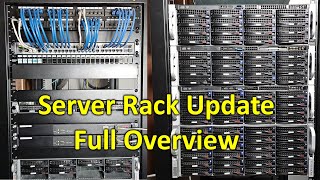
HomeLab Update: Full Rack, Proxmox, New PFSense, Chia Farm, and FAST Internet
14.8K views
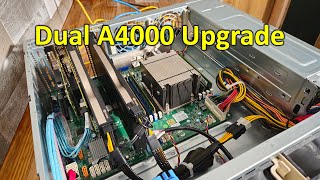
Rebuilding the Chia Farming Server with Dual RTX A4000 GPUs
7.7K views