
In-Depth Tutorial on Scenes & Sources in OBS (Part 4)
In this fourth part of our in-depth OBS Studio series, we take a deeper look at Scenes and Sources to help you create professional, well-organized live streams. Learn how to efficiently manage multiple camera angles, overlays, media files, and transitions for a seamless broadcast. Whether you're refining your setup or starting fresh, this guide gives you full control over your OBS workflow. What’s Covered: ✔️ The role of Scenes and how to structure them effectively ✔️ Adding, organizing, and optimizing Sources for a polished look ✔️ Best practices for layering, grouping, and scene transitions ✔️ Performance tips to ensure smooth, lag-free streaming Take your live streaming setup to the next level with these essential OBS techniques! #OBSStudio #LiveStreaming #StreamingSetup OBS Studio, OBS scenes, OBS sources, live streaming, streaming software, OBS setup, video production, streaming tips, OBS tutorial, stream optimization
🎬 More from GMEEDIA_MUSIC
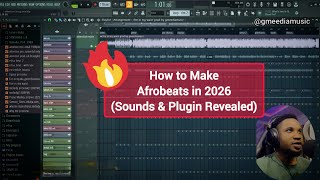
How to Make Afrobeats in 2026 | Full Beat Breakdown + Secret Sounds
45 views
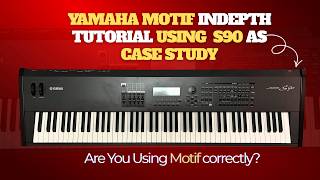
Yamaha Motif In-Depth Tutorial | Voice Mode, Performance Mode, Arpeggio, Edit & MIDI (S90)
106 views
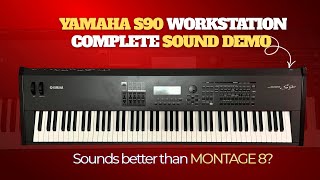
Yamaha S90 Workstation Complete Sound Demo | Does It Really Sound Better Than Montage 8?
629 views
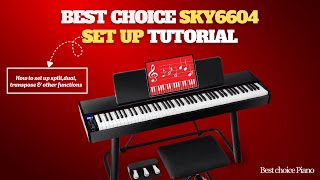
SKY6604 Piano Setup Tutorial | How to Use Dual, Split,Transpose & Other Functions
55 views

Is the SKY6604 $329 Piano with Over 700 Voices Worth It? | Watch This Sound Demo Before You Buy
63 views
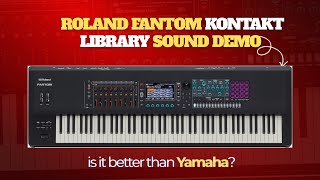
🎹 Roland Fantom Kontakt Library Sound Demo 🔥 Is This Better Than Yamaha?
537 views