Vigyata.AI
Is this your channel?

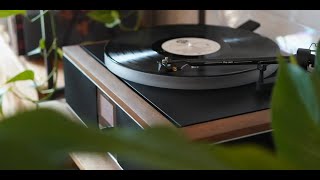
Andover Audio Spindeck 2 Turntable setup

9.8K views· 245 likes· 7:08· Mar 23, 2023

Thank you for purchasing the Spindeck 2 turntable. This video will show you how to set the Spindeck 2 up quickly and easily. Enjoy Music. Enjoy Life.

About This Video

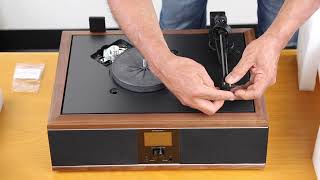
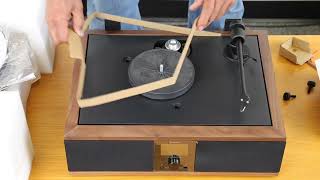
In this video, I walk you through setting up the Andover Audio Spindeck 2 semi-automatic turntable quickly and easily—right out of the box. I start with the basics: unpacking everything carefully and keeping the original packaging (it matters if you ever need to ship it, and improper packing isn’t covered under warranty). Then I show what’s included, like the signal cable, DC power adapter (with country-specific AC pins), dust cover hinges, 45 RPM adapter, and the counterweight. Next, I cover the two most important setup steps for getting great sound: tonearm tracking force and installing the platter/belt. I balance the tonearm to find the zero tracking force point, set the scale to zero, and then dial in the recommended 2.5 grams for the factory-installed cartridge. From there, I install the platter, use the red ribbon to stretch the belt onto the brass motor pulley, add the rubber mat (flat side down), and snap the dust cover hinges into place. Finally, I show how I connect the Spindeck 2 to an audio system using a Spinbase Max as an example: ground wire, left/right RCA, and the phono EQ switch (THRU for phono inputs, ON for line-level AUX/CD). Once power is on, I demonstrate playback—select speed, cue the arm, and let the record start spinning as soon as the arm moves off the rest. Enjoy music. Enjoy life.

Frequently Asked Questions

🎬 More from Andover Audio