
Edit Note Templates | Kiroku Tutorial
Kiroku templates are totally customisable. While you might want to start from one of our stock templates, we encourage you to tweak your templates to suit your workflow. See how to add, remove or rearrange the blocks that make up templates. Plus, find out how to make line headers bold, switch button types and see how you can continually edit your templates to improve them 0:00 How to start editing a template 0:12 Removing, adding or rearranging lines 0:34 Blocks (text or buttons) 1:12 Changing text and bold text 1:39 Changing button options 2:00 Universal Blocks 2:33 Linked Lines 4:00 Tools to make editing easier
🎬 More from Kiroku
Adding Templates | Kiroku Tutorial
35 views
D4W and the Kiroku Chrome Extension | Kiroku Tutorials
36 views
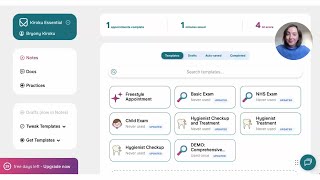
Quick Start Guide | Kiroku Tutorial
994 views

Advice for New Dental Graduates | Record Keeping, Risk & AI in Dentistry
27 views

Get Started with Docs | Kiroku Tutorial
188 views
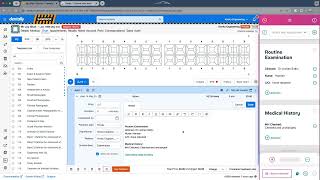
Kiroku Chrome Extension For Dentally And Any Cloud-based Practice Management Software
732 views