
Claude Code Just Changed How I Code Forever (Remote Control)
🛍️ Products Mentioned (1)

In this video you will learn how to use the Claude Code remote control feature to control your local Claude Code sessions from your mobile phone. 🚀 Access ALL video resources & get personalized help in my community: https://www.skool.com/agentic-labs ⏰ TIMESTAMPS: 00:00 Claude Code remote control demo from mobile phone 00:34 How remote control works with the Claude app 01:00 Setting up Claude Code remote access step by step 02:00 Managing remote sessions in Claude Desktop app Sponsorship enquiries: sponsors@leonvanzyl.com #claudecode #vibecoding #agenticcoding
About This Video
Frequently Asked Questions
🎬 More from Leon van Zyl
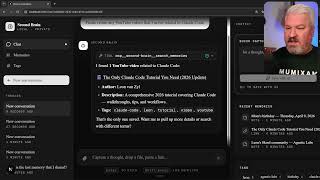
I Built an AI Second Brain Using Claude Code
2.1K views

Paperclip is Insane - I Built a Full AI Company
8.5K views

The Only Claude Code Tutorial You Need (2026 Update)
6.0K views
Claude Code: From Prompt to Product in One Session
3.4K views

Building Beautiful UIs in Minutes with Claude Code and Stitch
14.1K views
Claude Code Skills Changed Everything (And Nobody Noticed)
20.8K views