
How to Make High Quality YouTube Video With Your Phone | Easy Content Creation Tips
🎥 How to Make High-Quality YouTube Videos With Your Phone | Easy Content Creation Tips Want to grow your YouTube channel without spending money on an expensive camera? 📱 In this video, I’ll show you how to film and edit high-quality YouTube videos using just your phone! You don’t need fancy gear just the right techniques. I’ll share my best tips for lighting, camera angles, audio, and editing so your videos look professional and help you stand out in 2025. Perfect for beginners, content creators, and anyone who wants to create aesthetic, professional-looking videos and grow faster on YouTube. 🌟 What You’ll Learn: • How to film high-quality videos using your phone • Simple ways to improve video & audio quality • Content creation hacks for YouTube growth • How to look professional without expensive gear 📺 Watch Next: 🎬 How to Be Confident on Camera 🎬 Content Ideas for YouTube in 2025 🎬 Beginner YouTube Setup Guide how to make high quality YouTube videos with your phone, how to create YouTube videos on phone, how to shoot professional YouTube videos with phone, YouTube video tips for beginners, grow YouTube channel with phone 2025, content creation tips with phone, filming YouTube videos on smartphone, best video settings for YouTube phone, YouTube growth tips 2025, how to edit YouTube videos on phone how to make a youtube video with your phone, how to make youtube videos on your phone, how to make a youtube video on iphone, how to make your first youtube video, how to film a video with your phone, how to film youtube videos on your phone, how to make videos on your iphone, how to make a youtube video from scratch, how to make a youtube video, how do i shoot high quality video on my iphone #YouTubeTips #ContentCreation #YouTubeGrowth #VideoTips #SmartphoneFilming #YouTubeForBeginners #ContentCreator #YouTube2025 ✨ Road to 20K amazing subscribers! ❤️ 📩 Business Inquiries Only: reachnaomib12@gmail.com Connect with me: 📸 Instagram — @simply_reina12 🎵 TikTok — @simply_reina12 🎬 My Filming & Editing Tools: Phone: iPhone 15 Pro Max Editing Apps: CapCut, Canva
About This Video
Frequently Asked Questions
🎬 More from The Fab Life With Naomi
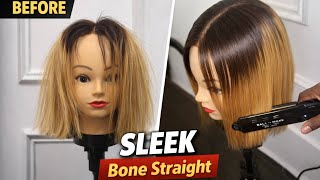
How to Straighten a Bone Straight Wig | Beginner Friendly Bone Straight Wig Maintenance Routine
15 views

Eid Mubarak! Celebrating with My Muslim Fam! 🎉🌙
55 views
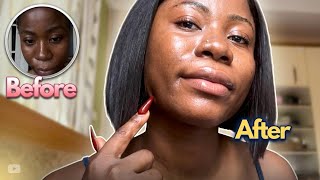
The 4-Step Skincare Routine That Changed My Skin
82 views
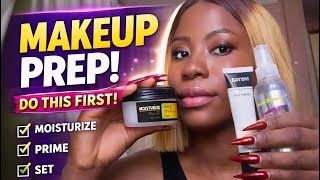
3 Things You MUST Do Before Applying Foundation (Makeup That Lasts All Day)
89 views
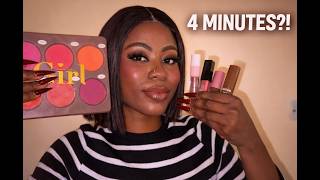
Soft Glam in 4 Minutes – Lazy Girl Edition ✨
89 views

BIRTHDAY GLOW UP VLOG 💕 Hair, Nails, Lashes, Photoshoot + Birthday Dinner with Friends
17 views