
How to Make Text & Elements Appear On Click in Canva 2026
Ever wanted your Canva presentation to feel a little more polished… like you’re revealing each point right when you’re ready instead of showing everything at once? 😊 In this video, I’ll walk you through exactly how to make text and elements appear on click in Canva (yes, it’s finally possible!). I’ll show you the simple setup, a small mistake to avoid, and how to make your slides feel more professional without duplicating a bunch of pages. If you present for school, work, or trainings, this little trick makes a huge difference. Let’s make your Canva slides smoother and more confident together.
🎬 More from Learn with Limon
The Smoothest Jump Cuts Ever in Davinci Resolve | Smooth Jump Cuts in Davinci Resolve 2026
52 views
How to Use Variable Data, Text and Images in Adobe Photoshop 2026
365 views
Headphones vs. Computer Speaker - Checking Audio Settings in Zoom 2026
7 views

How to Find Federal Government Jobs in the US 2026
22 views
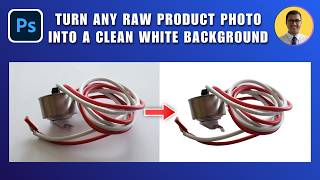
How to Turn Any Raw Product Photo into a Clean White Background 2026 | White Background in Photoshop
27 views
How to Add Text Behind an Object in Photoshop 2026 | Place Text Behind Object & Make It Transparent
18 views