
How to Customize iPhone Lock Screen in iOS 26!
How to Add your Name on your iPhone Lock Screen! https://youtu.be/hchBGUEDh0c iOS 26 brought several changes to the iPhone, and one of the areas with new features is the lock screen! Besides a new interface and design, we now have dynamic wallpapers with a 3D effect, the so-called space scenes. In addition, it's possible to adjust the font and number sizes, change colors, and even swap the widgets. In this video I'll show you all this and much more! I hope you enjoy it!
🎬 More from Daniel About Tech
One AirPod Not Charging? How to Fix!
588 views
iPhone 17 Pro and 17 Pro Max Colorgate EXPLAINED!
761 views

(2026) Forgot Your Android Password, PIN or Pattern? Here’s How To Regain Access - NO COMPUTER!!
4.1K views
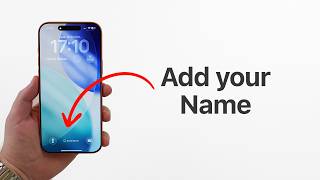
(iOS 26) How to Add your Name on your iPhone Lock Screen!
6.4K views
How to Download Instagram Reels and Videos!
12.5K views
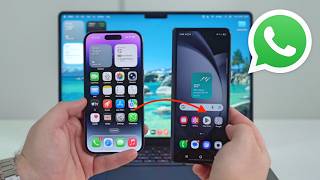
How To Transfer All WhatsApp Data From ANY PHONE to Another (iPhone and Android)
3.4K views