
Photoshop tutorial - creating layer glows using Fill instead of Opacity
In this tutorial, I explain a technique I use a lot: layer styles on a layer with the Fill set to 0%. It's a great way to add glows and translucence on top of an item in your image. It even works in realistic, photographic images like this matte painting here. The key to making it work is in some specific settings in the layer's blending options particularly with a mask. Watch to find out how it's done.
🎬 More from VFX Tuts with Dan
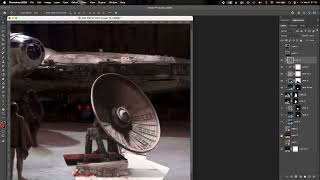
Using After Effects to put the deflector dish back on the Millennium Falcon in Star Wars: A New Hope
178 views
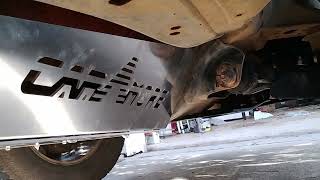
Installing a catalytic converter shield on a 2nd gen. Tacoma
25 views
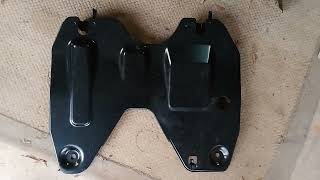
An additional OEM skid plate for the 2nd gen. Tacoma - not a radiator splash shield
166 views
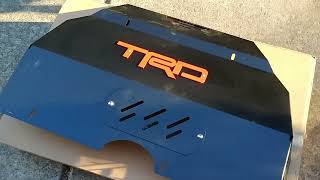
Installing an aftermarket skidplate on a 2nd gen. Tacoma
16 views
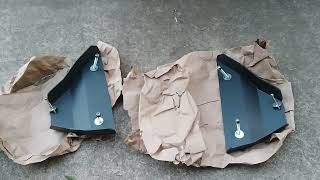
Installing lower control arm skidplates on your Tacoma
26 views
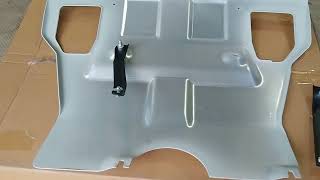
Trying out a budget skidplate for the 2nd gen. Tacoma
56 views