
After Effects tutorial - rotoscoping with Mocha AE
Continuing my rotoscoping tutorials, now I dive into Mocha AE. It's a light version of Mocha Pro, which I've used professionally. It's lacking some features, but it has what you need to rotoscope more efficiently (and hopefully quickly) than keyframing masks. How does it work? Watch and see. This one's a bit long, as I cover lots of topics. There are some audio glitches in the first half, so I apologize, but it's not too bad, so it shouldn't get in the way that much. Because the video is so long, I'm breaking it down into various topics, so you can skip ahead if you want. 1:16 - Opening Mocha AE 2:28 - Exploring the Essentials workspace 3:13 - Mocha's keyboard shortcuts and hotkeys 6:07 - Making roto shapes with X-splines 9:28 - Tracking roto shapes 13:21 - Adding keyframes 18:11 - Editing the entire shape 23:20 - Stop processing the layer 24:08 - Editing X-spline handles 29:34 - Editing multiple points 36:27 - Deactivating/activating layers 40:50 - Exploring the Roto workspace 41:39 - Options for displaying roto shapes/mattes 53:03 - Back to After Effects 55:38 - Applying the roto shapes as mattes 58:33 - Creating AE masks from the roto shapes 1:00:00 - Applying various mask feather values 1:00:25 - Expanding mask edges
🎬 More from VFX Tuts with Dan
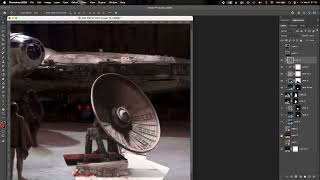
Using After Effects to put the deflector dish back on the Millennium Falcon in Star Wars: A New Hope
178 views
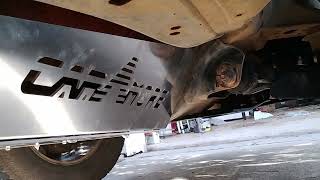
Installing a catalytic converter shield on a 2nd gen. Tacoma
25 views
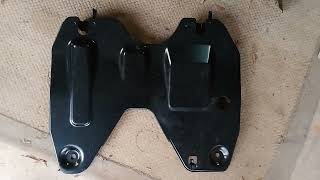
An additional OEM skid plate for the 2nd gen. Tacoma - not a radiator splash shield
166 views
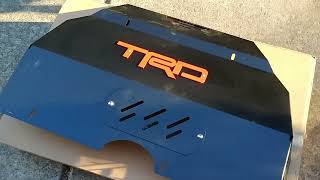
Installing an aftermarket skidplate on a 2nd gen. Tacoma
16 views
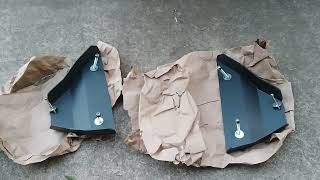
Installing lower control arm skidplates on your Tacoma
26 views
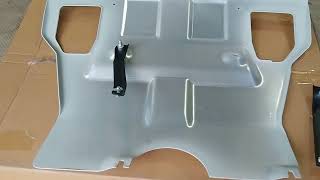
Trying out a budget skidplate for the 2nd gen. Tacoma
56 views