
🌱📁 student vlog: ipad a16 & apple pencil unboxing — what’s on my ipad + notion tour!
finally got an iPad for my study! definitely one of the best decisions i've made especially for my last year in high-school :) highly recommend! timestamps 00:00 - intro 00:17 - check-in! 01:25 - ipad unboxing 03:00 - setting up + first thoughts 06:49 - what's on my iPad? 08:29 - a notion tour! 11:46 - creative apps 13:29 - goodnotes 15:00 - outro! about me — name: roy violo — ethnicity: filipino — location: sydney, australia — camera: sony zve10 + iphone 14 pro — editing: capcut instagram — https://www.instagram.com/royviolo/ for business inquiries — royv.daylusan@gmail.com #vlog #lifestyle #school #relaxing #student #study #aesthetic #ipad #royviolo • • • • • • • • • tags [ipad a16 unboxing, ipad accessories, 2025 ipad, aesthetic unboxing, apple pencil, aesthetic setup, ipad tour, whats on my ipad, productive apps, productive ipad setup, ASMR, highschool student, student study habits]
About This Video
Frequently Asked Questions
🎬 More from roy violo
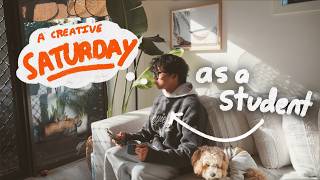
📹 life alone: a productive saturday as a student — new creative projects + curbing study burnout
4.0K views
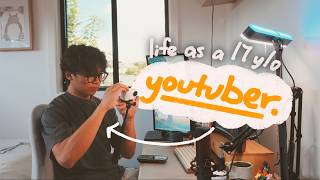
📷 daily vlog: a realistic day as a 17y/o content creator — productive habits + filming & editing
4.5K views
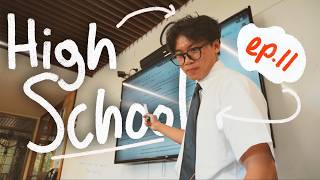
⏰ episode 11: highschool afterhours — intense exam study, balancing life + finding new opportunities
5.7K views
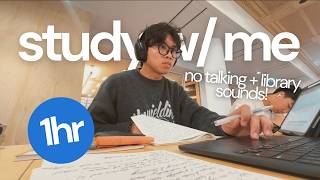
⏰ 1hr study with me: exam study at the state library 🇦🇺 — no talking + library sounds
2.8K views
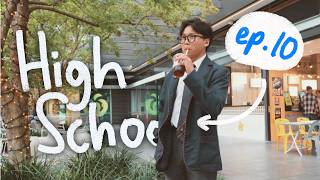
🌱🏫 episode 10: highschool afterhours — enjoying my final year, senior sunrise + library study!
7.8K views

📁 back to school vlog: stationery haul & study tips — nayosmart urban u7 bag, ipad + notion tour
28.0K views