
Is this your channel?
Unboxing the Volt 2 from Universal Audio
966 views· 13 likes· 3:00· Dec 7, 2025
Here is what you can expect when getting the Volt 2 from Universal Audio. Full Review and Tutorial coming soon! ✋ Disclaimer: Some links are affiliate links which means if you buy something I may make a small commission at no additional cost to you. As an Amazon Associate, I earn from qualifying purchases.
About This Video
Frequently Asked Questions
🎬 More from Chris Green | Home Studio Producer
MAJOR Audio Quality Upgrade! Adobe Podcast Premium
236 views
Give me 26 minutes, and I'll save you YEARS of Live Sound struggles
1.1K views
STOP Paying Full Price for Fender Studio Pro!
4.8K views
Fender Quantum LT4 Full Guide - Features, Software, & Setup!
1.8K views
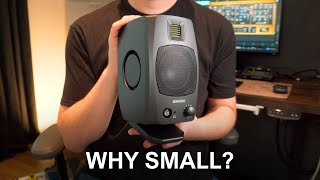
Why Your Small Studio Needs Small Speakers (Adam D3V)
709 views

I’m Begging You to Stop Buying Plugins (Do This Instead)
2.8K views