
Here's WHY it Take SO Long to RECORD & EDIT Microphone Comparison Videos!!! (What No One Tells You)
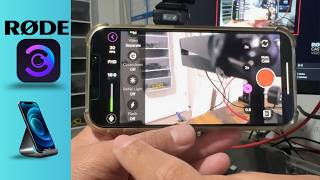
Making a microphone comparison video sounds simple… until you actually try it. In this video, I break down the full process behind creating a microphone comparison video... from setup to filming to editing, so you know exactly what you're getting into before you start. We go through multiple microphones, including USB and XLR setups, and show how each one connects, records, and performs in real-world scenarios. I also cover the gear required (like the Rodecaster Pro 2, multiple mic arms, and iPhone setups), plus how apps, OBS, and editing software all play a role in building a clean final video. But the real value? The behind-the-scenes workflow. You’ll see how long this actually takes, why syncing multiple audio tracks is challenging, and how organizing footage can make or break your project. If you're a content creator, podcaster, or YouTuber trying to level up your audio game, this video will save you HOURS of trial and error. (This video is NOT sponsored) .. ⚡️For Support inquiries, or Business inquiries, please go to ytubemoney123@gmail.com
🎬 More from CREATE with JAY

CapCut Editing Tutorial for Beginners: Audio, Video & Text
9 views

How to Split Left & Right Stereo Audio Channels in Capcut, Audacity & Davinci Resolve
39 views

Shure MV7 Plus vs RØDE vs DJI Mics — Which One Actually Sounds Best?
67 views

Connect the RodeCaster Video to a Rodecaster Pro 2 for Auto - Switching and Zoom Video Calls
249 views

CapCut Pricing Update April 2026: PC vs Mobile — Which Is Cheaper?
476 views
How to Connect a iPhone 15 /16 using Rode Capture to a RODECaster Video S (Step-by-Step)
155 views