
Recording Your Voice Using Audacity
🛍️ Products Mentioned (2)
Want to learn how to edit your own content using Descript? https://www.bambyacademy.com/learndescript Here is a brief tutorial on recording your voice using Audacity on a PC. This step-by-step guide covers everything from downloading Audacity from audacityteam.org, setting up your microphone, and checking audio levels, to exporting your audio file for podcasting purposes. Ideal for beginners, this tutorial ensures you understand all the basic steps to creating high-quality audio recordings effortlessly. 00:00 Introduction 00:26 Downloading and Installing Audacity 00:52 Setting Up Your Microphone 01:17 Recording Your Voice 02:07 Monitoring and Adjusting Levels 03:33 Exporting Your Recording Connect with Bamby Media: - Website: https://www.bambymedia.com/ - Instagram: https://www.instagram.com/bamby_media/
🎬 More from Bamby Media
How to Record Guests using Riverside
41 views
Scheduling a Future Descript Rooms Podcast Recording Session with a Guest
69 views
Apple Podcasts Moves Into Video: What This Actually Means for Podcasters
155 views
Fifine Amplitank Tank 3 Versus Shure MV7+
151 views
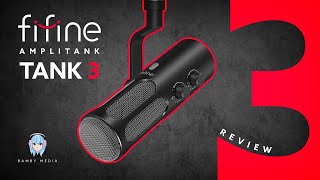
Fifine Amplitank Tank 3 Review: The Best Budget Mic for Beginners?
260 views
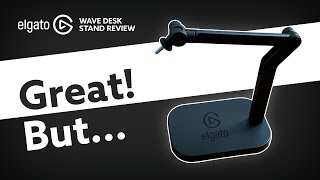
Elgato Wave Desk Stand Review: Better Than a Boom Arm?
1.4K views