
Why I Stopped Using Lightroom Presets on Client Work (And What I Use Instead)
🛍️ Products Mentioned (3)
AI Photo Editing Profiles VS Lightroom presets. This is the comparison nobody is making clearly enough. A preset applies the same values to every photo. An AI editing profile reads your image and decides what it actually needs. That difference matters on every single client gallery you deliver. In this video, Ernesto tests 5 AI editing styles on the same two photos inside Aftershoot - a portrait and a wedding scene - so you can see exactly how each one handles skin tones, shadows, highlights, and colour. We also explore the Aftershoot Marketplace, where you can download ready-made AI editing styles or create your own by training a profile on your past work. 3 out of 5 profiles used by Ernesto are completely free from Aftershoot Marketplace. If you’ve been wondering how AI editing fits into your photography workflow, or whether it’s actually better than presets, this video breaks it down. New to Aftershoot? Get your time back with automated culling and editing today: https://aftershoot.co/TryForFree Join our Facebook Community to get useful tips and insights: https://aftershoot.co/facebook Blog: https://aftershoot.com/blog/ Instagram: https://www.instagram.com/aftershootco/ Facebook: https://www.facebook.com/aftershootco/ Tiktok: https://www.tiktok.com/@aftershootco
🎬 More from Aftershoot

This Tiny Flash Has a Feature That Makes No Sense | Best Budget Flash for Photographers
245 views

Stop Guessing Exposure | How to Use the Histogram Properly
213 views
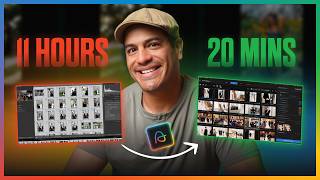
I Replaced 11 Hours of Post-Production With 21 Minutes Using AI | Here's the Full Workflow
512 views
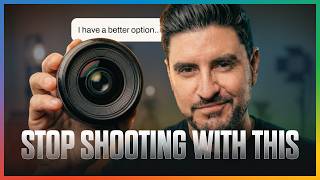
35MM IS OVERRATED | Here’s What You Should Be Using Instead
278 views
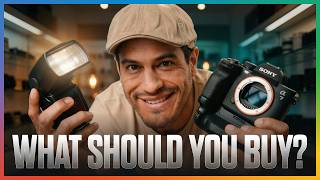
Stop Overpaying for Camera Gear (Buy This Instead)
237 views
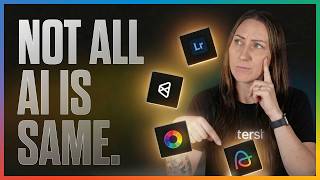
Don’t Choose an AI Photography Tool Before Watching This
359 views