
Is Zoom good for recording podcasts?
🛍️ Products Mentioned (2)
Here's how to record remote podcast guests (or a co-host) using Zoom so you get the best audio quality. Basic tips for using recording your podcast with Zoom: 00:00 Introduction 00:30 Make sure you have a good microphone and headphones 00:48 Zoom audio settings to change 02:03 Zoom recording settings to change: "Record each participant" 02:15 Create a new meeting in Zoom and invite your guest 03:03 Start recording in Zoom 03:53 After you're done recording, view the recording files 04:13 Edit the audio files in your audio editing software (GarageBand, etc) 04:41 Export your audio file and publish it using your podcast hosting provider (like Transistor.fm). Get more podcasting tips by reading this guide: https://transistor.fm/how-to-start-a-podcast/?via=youtube Try Transistor podcast hosting free for 14 days: https://transistor.fm/?via=youtube
🎬 More from Transistor podcasting

How to claim your show on Apple Podcasts Connect
60 views

Upload a video podcast to Apple Podcasts, YouTube, Spotify, RSS (first look at Transistor hosting)
377 views
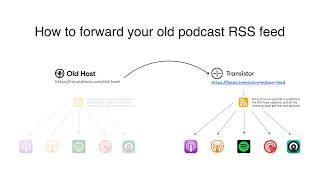
How to Redirect (Forward) Your Old Podcast RSS Feed When Switching Hosts
22 views

The history of video podcasts (Steve Jobs and Apple Podcasts) #videopodcast
1.2K views

How to Get Your Podcast on Spotify, Apple, YouTube & More (2026)
674 views

Create member-only podcasts with Ghost CMS and Transistor.fm
379 views