
Awesun Remote Desktop Software Review X Baseus 140w Charging Station
🛍️ Products Mentioned (1)
Download AweSun for FREE:http://u.aweray.com/i/110 AweSun Remote Desktop: The best tool for remote work and gaming with 144fps and low latency. Control your PC from your Phone/Tablet anywhere. Support for remote gaming and high-performance tasks. Completely safe and easy to use. #AweSun #RemoteDesktop #RemoteWork #Gaming #Tech For Business Inquiry: decentflex@gmail.com
About This Video
Frequently Asked Questions
🎬 More from Tech Talk Tech

Say Goodbye to Moisture! Avylo Dehumidifier Unboxing & Performance Test
20.4K views

Top 3 Best Smart Toilet 2026 - Which One You Should Buy?
30.3K views
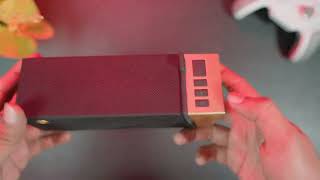
Can the BUGANi Brief TT Beat All Bluetooth Speakers Under $100?
21.5K views
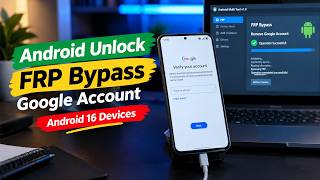
Android Unlock|How to FRP Bypass Google Account on Android 16 Devices
21.7K views
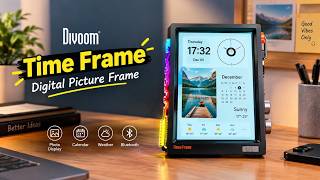
Divoom Time Frame Digital Picture Frame – The Smart Display Every Desk Needs!
90.2K views
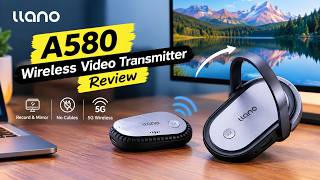
LLANO A580 Wireless Video Transmitter Review – Record & Mirror to Any Screen Without Cables
23.1K views