
Michron Bulb Ramping Bramp Timelapse Tutorial
🛍️ Products Mentioned (1)
Please subscribe to my channel to get my latest video updates. Thanks! In this tutorial I'll be demonstrating how to use the bulb ramp setting on the new Michron device by Vivo Labs. With it, you can produce holy grail time-lapses as well as interesting exposure changes. It's quite tricky at first, but with practice you can get your head round it. I've included some sunset examples at the end, with the settings too. As I say in the video, there's quite a bit of flicker but you can fix that with LR Timelapse: http://lrtimelapse.com/ I've also found that some frames appear dark and mess the sequence up a bit. This is most likely - although I'm not certain - a camera issue and an inaccuracy in bulb mode. I'd be interested to know if others are having the same problems! Nonetheless, it's a great tool. Check out my tutorial for interval ramping with the Michron too: https://www.youtube.com/watch?v=gEkpVx_f8TE
🎬 More from Lens Of James

70mai A810 Lite Review | Best Budget 4K Dash Cam in 2026?
1.2K views

Android Auto Broken After Update? Here’s the Fix That Actually Works
6.3K views

Carpodgo T3 Pro vs Mini – Best Portable Apple CarPlay & Android Auto Screen?
4.2K views
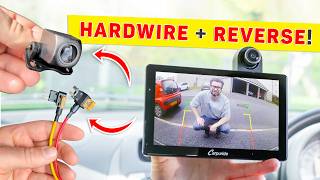
How To INSTALL CarPlay Screen + HARDWIRE It & Add A REVERSING Camera (Step-by-Step)
3.0K views

Redtiger F7NA Review: The Best Budget 4K Dash Cam In 2026?
1.1K views

Carpuride W703 Tested: The Ultimate Budget CarPlay Screen For Older Cars?
2.0K views