
Theming and Branding with App Builder
🛍️ Products Mentioned (1)
Our last few sessions in this series have been heavily focused on new capabilities and Blazor code generation and new features. This next accelerator takes a step back and will highlight how to best design your application to match your company’s theme or brand before you are ready to generate code. In this webinar we will showcase: - Applying and creating custom theming options - Choosing from different icons, typography and color palates to match your brand - Modifying on a per-control, per-screen or per-app basis At the end of this webinar, you’ll have a full understanding of how to best utilize these new features and start accelerating app design and development with App Builder! Try App Builder Today: https://www.indigo.design/welcome/trial #AppBuilder #LowCodeDevelopment #DesignToCode #AppBuilderSoftware
🎬 More from Infragistics
Accessible React Data Grid: ARIA, Screen Readers & Keyboard Navigation
37 views
React Data Grid CRUD Tutorial with Ignite UI for React and .NET API
120 views
React Data Grid Tutorial: Ignite UI CLI, Claude Code & MCP
147 views
React Data Grid Tutorial with Claude Code, MCP Servers & Ignite UI
87 views
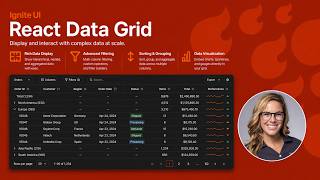
React Data Grid Explained: Features Every Enterprise React App Needs | Ignite UI
62 views
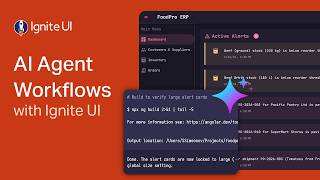
AI Agent Workflows with Ignite UI
141 views