
Set Up Single-Page Apps and Navigation
🛍️ Products Mentioned (2)
In this video, we will show you how you can quickly design and build a single page application and add navigation. Unlike a page-based design approach, Indigo.Design App Builder lets you create separate views that are injected or switched based on how users navigate. Hence the term, single-page application. Indigo.Design App Builder is a complete design to code solution that enables you to design and build web-apps directly in cloud, using a visual builder with real UI components and controls, and then generate, production-ready Angular code. Topics covered include: • Setting up a single page application • Exploring the Master View Vs. Child View • Adding navigation Indigo.Design App Builder is currently available as a public preview. Click here to try it for free : For more information, check out these helpful resources: https://www.infragistics.com/products/indigo-design/app-builder Blog: Announcing Indigo.Design App Builder: Build Real Web Apps Blazing Fast in the Cloud: https://www.infragistics.com/community/blogs/b/jason_beres/posts/build-web-apps-in-the-cloud-with-indigo-design Blog: Indigo.Design App Builder: Feature Tour: https://www.infragistics.com/community/blogs/b/jason_beres/posts/build-web-apps-in-the-cloud-with-indigo-design #DesignToCode #LowCodedevelopment #AppBuilder #AngularApps
🎬 More from Infragistics

Accessible React Data Grid: ARIA, Screen Readers & Keyboard Navigation
37 views
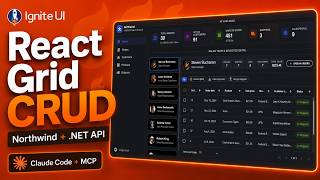
React Data Grid CRUD Tutorial with Ignite UI for React and .NET API
120 views
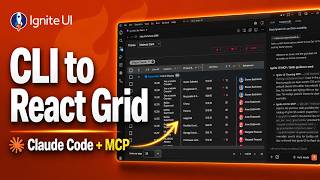
React Data Grid Tutorial: Ignite UI CLI, Claude Code & MCP
147 views

React Data Grid Tutorial with Claude Code, MCP Servers & Ignite UI
87 views
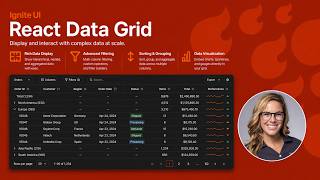
React Data Grid Explained: Features Every Enterprise React App Needs | Ignite UI
62 views
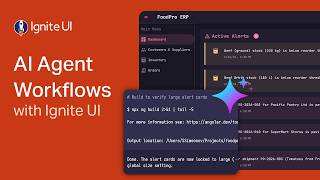
AI Agent Workflows with Ignite UI
141 views