
Navigating the Low-Code and No-Code Landscape: Finding the Right Fit for Your Team
🛍️ Products Mentioned (1)
In this session from Low Code/ No Code Dev Day, Jason Beres discusses Navigating the Low-Code and No-Code Landscape: Finding the Right Fit for Your Team. Choosing the best low-code or no-code tooling for your team can be difficult given the large selection of tools available, from straightforward dashboard builders to comprehensive app builders. This session will provide a thorough overview of the various tools available, both open source and commercial options, to help you kick-start your app development process and find the perfect fit for your team's needs. What is App Builder and why should you use it to build modern-day, full-featured apps? 📣 BUILDING ENTIRE APPS OR SINGLE SCREENS IN A CLICK WITH A DRAG&DROP APP DEVELOPMENT EXPERIENCE 📣 INTEGRATES A DESIGN SYSTEM WORKING WITH SKETCH AND FIGMA 📣 BRINGS COMPLETE FEATURE AND COMPONENT PARITY ACROSS BLAZOR, ANGULAR, WEB COMPONENTS 📣 60+ FRAMEWORK-SPECIFIC REUSABLE COMPONENTS 📣 WITH CODE PREVIEW, CODE GENERATION, GITHUB INTEGRATION Learn more about App Builder here: https://www.infragistics.com/products/appbuilder #LowCodeDevelopment #LowCodeTools
🎬 More from Infragistics
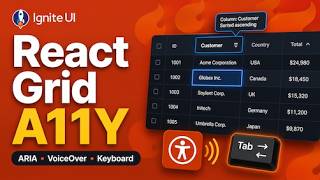
Accessible React Data Grid: ARIA, Screen Readers & Keyboard Navigation
37 views
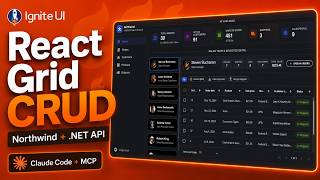
React Data Grid CRUD Tutorial with Ignite UI for React and .NET API
120 views
React Data Grid Tutorial: Ignite UI CLI, Claude Code & MCP
147 views
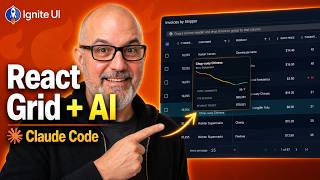
React Data Grid Tutorial with Claude Code, MCP Servers & Ignite UI
87 views
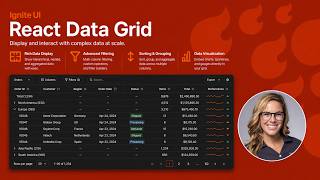
React Data Grid Explained: Features Every Enterprise React App Needs | Ignite UI
62 views
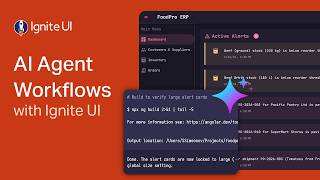
AI Agent Workflows with Ignite UI
141 views