
Customizing Data Grids with App Builder
🛍️ Products Mentioned (1)
Our next accelerator is coming off the heels of our recently introduced Data Grid property editor, allowing for further customization of your grids with App Builder. With the new Data Grid property editor, it's not only simple to bind to your data, but to also configure column arrangement and in one click configure common features like sorting, filtering, grouping and more. In this webinar, we will showcase: - Column hiding, pinning, and resizing - Pasting and exporting from Excel - Advanced Filtering, Quick Filtering and Excel-style Filtering At the end of this webinar, you’ll have a full understanding of how to best utilize these new features and start accelerating app design and development with App Builder! Try App Builder Today: https://www.infragistics.com/products/indigo-design/app-builder #LowCodeDevelopment #AngularApps #AppBuilder #AngularGrid
🎬 More from Infragistics

Accessible React Data Grid: ARIA, Screen Readers & Keyboard Navigation
37 views
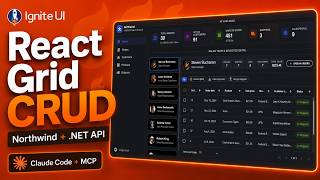
React Data Grid CRUD Tutorial with Ignite UI for React and .NET API
120 views

React Data Grid Tutorial: Ignite UI CLI, Claude Code & MCP
147 views

React Data Grid Tutorial with Claude Code, MCP Servers & Ignite UI
87 views
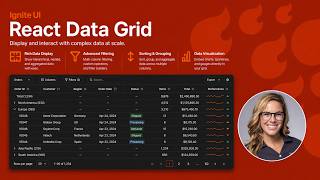
React Data Grid Explained: Features Every Enterprise React App Needs | Ignite UI
62 views

AI Agent Workflows with Ignite UI
141 views