
Creating Master-Detail Apps with Blazor
🛍️ Products Mentioned (1)
Master-Detail scenarios are the heart of every business app. In this tutorial, we walk you through designing a user interface for Blazor in App Builder, adding data binding from a .NET Web API hosted in Azure, and taking the generated code into Visual Studio to wire up the master-detail interactions. In this webinar, we will showcase how to: - Create layouts for a master-detail UI - Use live cloud-based SQL Server data in Grid, List and Chart - Generate Blazor code and finish your app in Visual Studio At the end of this webinar, you’ll have a full understanding of how to best utilize these new features and start accelerating app design and development in Blazor with App Builder! Try App Builder Today: https://www.infragistics.com/products/appbuilder
🎬 More from Infragistics
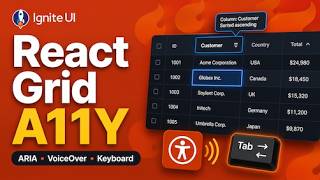
Accessible React Data Grid: ARIA, Screen Readers & Keyboard Navigation
37 views
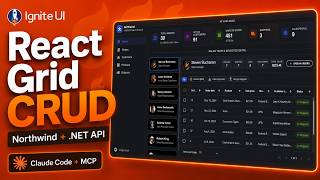
React Data Grid CRUD Tutorial with Ignite UI for React and .NET API
120 views
React Data Grid Tutorial: Ignite UI CLI, Claude Code & MCP
147 views
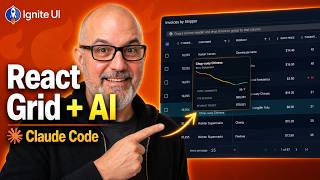
React Data Grid Tutorial with Claude Code, MCP Servers & Ignite UI
87 views
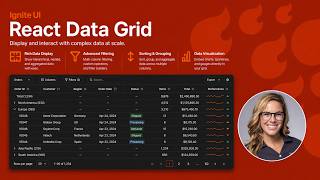
React Data Grid Explained: Features Every Enterprise React App Needs | Ignite UI
62 views
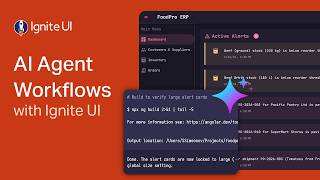
AI Agent Workflows with Ignite UI
141 views