
Creating Master-Detail Apps in App Builder
In our last accelerator we showed you how to customize your data grids in App Builder, and for our next session we want to take this a step further. Join us as we will walk you through Creating Master-Detail Apps in App Builder, allowing you to quickly bind to data with minimal code! In this webinar, we will showcase: - Create layouts for a master-detail UI - Use cloud based live JSON data in Grid, List and Chart - Use VS Code to finish coding details in your app At the end of this webinar, you’ll have a full understanding of how to best utilize these new features and start accelerating app design and development with App Builder! #AppBuilder #LowCodeDevelopment #BlazorComponents
🎬 More from Infragistics
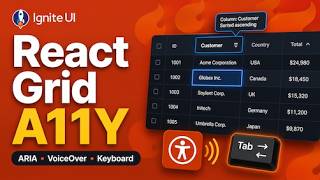
Accessible React Data Grid: ARIA, Screen Readers & Keyboard Navigation
37 views
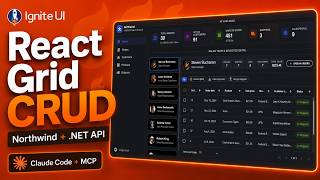
React Data Grid CRUD Tutorial with Ignite UI for React and .NET API
120 views
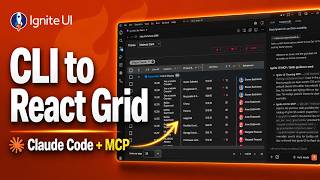
React Data Grid Tutorial: Ignite UI CLI, Claude Code & MCP
147 views

React Data Grid Tutorial with Claude Code, MCP Servers & Ignite UI
87 views
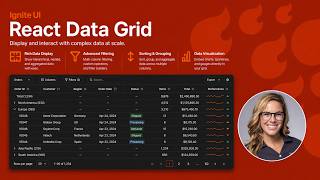
React Data Grid Explained: Features Every Enterprise React App Needs | Ignite UI
62 views
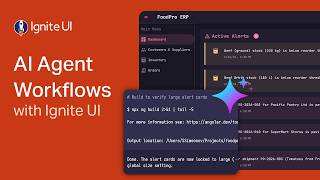
AI Agent Workflows with Ignite UI
141 views