
Building and Running the People App from Indigo.Design
🛍️ Products Mentioned (1)
Once you've downloaded the People app from Indigo Design, and you've followed the prerequisites of ensuring you have no JS and Visual Studio Code installed, go ahead and unzip your download. Once it's unzipped, we'll go ahead and open the folder. Let's just right click in the folder and say open in Visual Studio Code. What we've done with the People app is given you a “best practices” view of not only using Angular but using Ignite IU for Angular which is a complete Material-based tool set of UI controls and components to build the faster grids, the fastest charts in the world for any type of Angular app, plus 50 other Material-based UI widgets. So, if I drill into the source and I look at the app, you'll see this app has a few screens. We've got a people details component, we've got a people edit component, we've got a people list, the shell, and all the code and CSS etcetera that goes along with the project. Let's go ahead and get going with the application. So, the first thing that I want to do is get to my terminal, and we'll do an NPM install to install all the prerequisites of Ignite UI for Angular. Now that all the dependencies are installed, let's go ahead and do an NPM start, and we'll run the app. So we can see now the People app here is running inside Chrome. This is your proto-typical mobile style application, so if we resize the browser, it'll actually give us a better view of what this might look like on your mobile phone. So, let's push this over here, as I select people on the left menu and the list, they change on the right. And this app is a really good example of a basic Master Detail with CRUD scenario. So, if you have to do any type of application that has a list, some details and then you want to edit or add to those, to the list or to those details, this app is perfect for you. You can just copy it and kind of do whatever you want. So in this case, if I want to edit Jim Smith, we've got the whole CRUD screen here, if I want to add a new record, I can go and add a new record. The People app really gives a great example of not only how to take something that you've designed and sketched that you can grab off the Indigo Design homepage, the Sketch drawing, look at the prototype in Indigo Design, but then how would I actually build this out in Angular with the Ignite UI for Angular list, Ignite UI for Angular avatar and all of the CRUD components that go along with it. So, that's how you get started with the People app. Sign up today at http://indigo.design
🎬 More from Infragistics
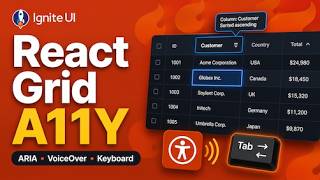
Accessible React Data Grid: ARIA, Screen Readers & Keyboard Navigation
37 views
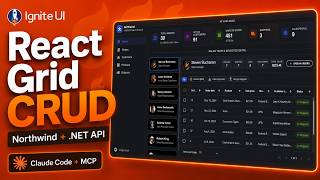
React Data Grid CRUD Tutorial with Ignite UI for React and .NET API
120 views
React Data Grid Tutorial: Ignite UI CLI, Claude Code & MCP
147 views

React Data Grid Tutorial with Claude Code, MCP Servers & Ignite UI
87 views
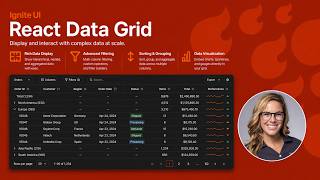
React Data Grid Explained: Features Every Enterprise React App Needs | Ignite UI
62 views
AI Agent Workflows with Ignite UI
141 views