
App Builder Contest Overview
🛍️ Products Mentioned (1)
Watch our quick contest overview video as we walk you through a product tour of App Builder and help you build an award-winning application. This video will show you how to incorporate all the contest requirements, adhere to the judging criteria and submit your entry once completed. To register for the App Builder Contest follow this link: infragistics.com/appbuilder-contest This video will show you how to achieve the following: - Use a Category or Pie Chart - Configure a Grid with the features you find valuable - Add at least 5 components from the toolbox - Each application submitted needs a minimum of 5 screens and a maximum of 10 - Each application submitted needs to utilize a theme. You can either select one of the pre-set themes or customize your own - Add a Reveal Dashboard - Setup App Navigation #MadeWithAppBuilder Questions about the contest? Join our Discord and speak with the product team! https://discord.gg/
🎬 More from Infragistics
Accessible React Data Grid: ARIA, Screen Readers & Keyboard Navigation
37 views
React Data Grid CRUD Tutorial with Ignite UI for React and .NET API
120 views
React Data Grid Tutorial: Ignite UI CLI, Claude Code & MCP
147 views

React Data Grid Tutorial with Claude Code, MCP Servers & Ignite UI
87 views
React Data Grid Explained: Features Every Enterprise React App Needs | Ignite UI
62 views
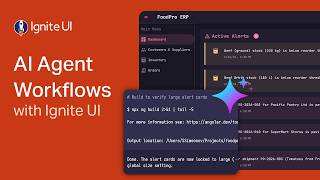
AI Agent Workflows with Ignite UI
141 views