
Advanced Charts - Building Custom Visualization Experiences
🛍️ Products Mentioned (3)
Why is it so important to know how to incorporate advanced charting capabilities and analytics in your app? Because it becomes a way to: - Simplify complex data, facilitating data-driven decision-making. - Enhance user engagement, uncovering valuable insights. - Provide a competitive advantage in today's data-driven world. This Advanced Charts - Building Custom Visualization tutorial, then, will help you gain all the necessary know-how to deliver modern, interactive chart visualizations in your next app and take your analytics needs to the next level. The main focus will be Ignite UI Chart Toolbar and the capabilities it provides to developers, as part of the recent Infragistics Ultimate 23.1 Release. Key things to be discussed in the tutorial: - The Chart toolbar capabilities at your disposal. - Getting full control over where the toolbar items live. - Adding custom buttons with custom actions and icons. - Formatting options like displaying value overlays, data labels, crosshairs, and grid lines. - Full-featured, in-chart data analytics capability without writing additional code. - The right way for accessing chart's data in real-time. - Carrying out on-the-fly analysis for the most common data needs. #ChartToolbar #IgniteUI #DataVisualization #Charts Learn more about Ignite UI: https://www.infragistics.com/products/ignite-ui Learn more about the Chart Toolbar component in Ignite UI: https://www.infragistics.com/community/blogs/b/jason_beres/posts/next-generation-charting-data-analysis Check out the Chart Toolbar Help Documentation Page: https://www.infragistics.com/products/ignite-ui-blazor/blazor/components/menus/toolbar
🎬 More from Infragistics
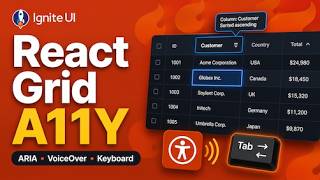
Accessible React Data Grid: ARIA, Screen Readers & Keyboard Navigation
37 views
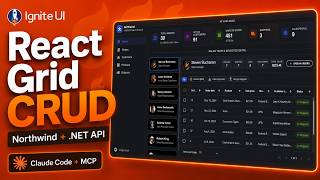
React Data Grid CRUD Tutorial with Ignite UI for React and .NET API
120 views
React Data Grid Tutorial: Ignite UI CLI, Claude Code & MCP
147 views

React Data Grid Tutorial with Claude Code, MCP Servers & Ignite UI
87 views
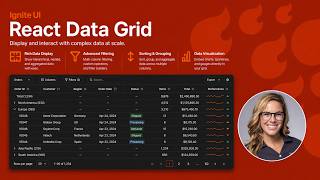
React Data Grid Explained: Features Every Enterprise React App Needs | Ignite UI
62 views
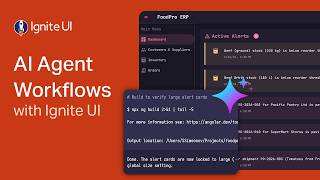
AI Agent Workflows with Ignite UI
141 views