
Crystal Portrait Same Size Beads | Random Placement Crystal Portrait | Crystal Portrait Basics
Join this channel to get access to perks: https://www.youtube.com/channel/UCXdHGqFrw10MTWBAHMBZCdQ/join Learn how to make crystal portrait with single size beads with random placement of crystals instead of row by column placement. App user for generating template - Genie Crystals Materials used in the video: 1. around 4000 2 mm crystals 2. one small squeezy bottle to apply glue 3. Regular white PVC glue (fevicol) 4. One custom size frame 5. Wax pencil to pick up the glue 6. crystal tray to hold the crystals In case of any questions please leave a comment or reach out to me at crafts.genie@gmail.com Happy Crafting, Genie Crafts. www.geniecrafts.in WhatsApp: +91 9819048334
About This Video
Frequently Asked Questions
🎬 More from Genie's Art & Crafts

GENIE CRYSTALS - AI Powered Crystal Portrait Template Generator | Rhinestone Portrait Template
10 views
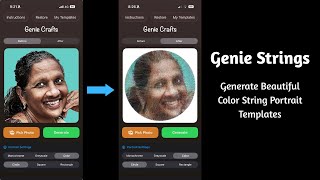
GENIE STRINGS - String Portrait Template Generation App | Custom Templates for Thread Portrait
941 views

Launch announcement - GENIE STRINGS - thread portrait template generation app from Genie Crafts
1.7K views
Sneak peak into the exhibition - WTC Cuffe Parade. Please come and visit @TheHaatofArt-or9uf
300 views
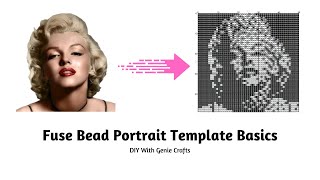
Fuse Bead Portrait Template | Perler Bead Portrait Template Basics | Multimedia Portrait Template
1.4K views
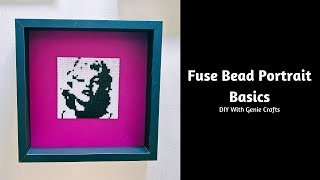
Fuse Bead Portrait Basics | Perler Bead Portrait Basic | Multimedia Portrait | Iron On Bead Portrait
643 views