
RODE CallMe Service - Take Live Calls On RODECaster Pro 2/Duo
SUBSCRIBE TO THE CHANNEL: https://youtube.com/@FreePodcastTools Well over a year ago I released a video detailing the innovative CallMe functionality for the RCP2 and RC Duo. I first communicated with Vortex Communications in January of 2024 prior to making my video. In that video I discussed that RODE would bring Vortex CallMe or a similar service to their ecosystem. Well, that day has come and for the past several months I’ve been testing the BETA of the CallMe service which allows RODECaster Pro 2 and Duo users to call other devices directly. If your guest or co-host doesn’t own a RCP 2 or Duo, no worries, because there’s also a web app that a user can open to call your particular compatible unit directly! After you upgrade your device’s firmware to the appropriate version, just make sure you have an internet connection for your unit and you’ll see the CallMe Icon light up green in the upper right hand corner of the device. Next, simply assign CallMe to one of your physical or virtual channels. To receive a call, you will need to give the person you want to add into your production the calling code for your device. They can then use this code to call into your RØDECaster. To access the code, simply tap on the channel access button for the CallMe channel. The access code will then be shown in the channel screen. They can use this code directly with their own RØDECaster (if they have one), or they can call you via the web interface. The URL you need to share with your guest is shown on the screen, both as a URL and a QR code. On the channel screen you can also set up processing for the CallMe calls and click the CallMe Configuration button to see each of the 3 CallMe channels and their status. It will say READY - Make a Call - when configured properly. There’s also an Advanced button that allows you to cycle from Good to Excellent RODE CallMe quality and shows Caller ID as well. You can also assign another RODECaster’s CallMe code as a quick dial on a smart pad or load up to eight quick dials under the “Ready Make A Call” menu. Does someone have your CallMe code and keep spamming you? Simply turn hosting off and then back on to generate a new code. Lastly, there’s a PRO License button that shows your device’s serial number and includes a Check for License button. Over at account.rode.com you can see the following tiers of service. CallMe Lite is free and comes with a 5-hour trial of the web-to-RODECaster calling and 10 remaining hours. CallMe is $9.99 per month or $99 per year and offers 2 CallMe channels, unlimited RODECaster to RODECaster calling, and full access to browser based calling. CallMe Pro is $49.99 or $499 per year and comes with 3 CallMe channels, unlimited RODECaster to RODECaster calling, full access for browser-based connections, advanced SIP calling, full codec control, and third-party interoperability with IP audio codecs. 01:22 CallMe Firmware Update 01:35 CallMe Setup 03:07 How To Change Your CallMe Code 03:37 CallMe Service Prices 05:17 CallMe Browser Calling Test 05:47 What Does This Mean For VOIP Services? SUBSCRIBE TO THE CHANNEL: https://youtube.com/@FreePodcastTools
🎬 More from Free Podcast Tools
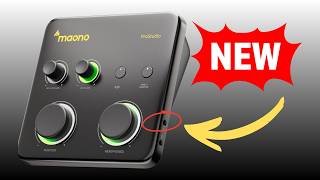
Is the Maono P1 the Best Budget Interface for SM7B?
69 views
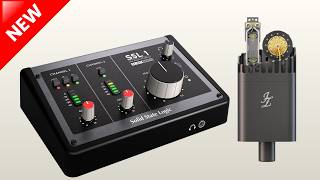
New SSL 1 Interface: Is It Too Good to Be True? - PGN011
559 views
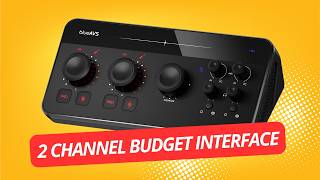
BlueAVS blueCaster II Review
306 views
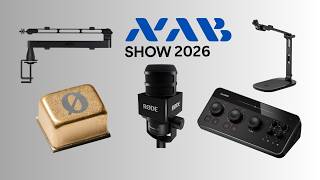
PGN010 - What's New in Podcast Audio? NAB 2026 Gear Roundup
252 views
PGN009 - Shure's New MVX2U Gen 2 Is It Worth It?
840 views
BOYA Caster X1 - Podcast Gear News Episode 8
233 views