How to Record & Export a Lesson Video in Apple Keynote
🛍️ Products Mentioned (2)
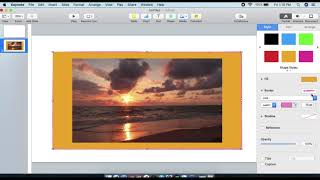
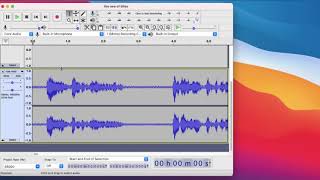
Hello course creators, record your lessons or any videos into a movie file in Keynote. Export to upload for use or take to iMovie or editing software for more changes. Tips: Add your voice, editing mistakes, transitions, and quality. Can be done on a Windows computer if using Keynote on iCloud... need great internet speed. If you have a very long talking head, standing, or fitness video then add that in editing software (iMovie) rather than putting that part in Keynote... to save time recording. Shorts clips can be used in Keynote just wait to play all the way til finished before next slide. Animations or video boxes will play during click through. Watch and allow time for them to finish. I teach on Udemy and Skillshare. I love helping others create courses and lessons. Share your creativity with students by learning Keynote tricks. The First 10 only free til Nov 24: Code: FIRST10FREEMONTH https://www.udemy.com/course/creating-online-course-videos-using-keynote-for-mac/?couponCode=FIRST10FREEMONTH Find course: https://www.udemy.com/course/creating-online-course-videos-using-keynote-for-mac/?referralCode=813D2FC7EC40D27CA7C2