
Luminar Neo Photo Editing Basics | Step-by-Step Tutorial | Colter Bay
Learn how to master the basics of photo editing in Luminar Neo with this easy step-by-step tutorial. Using a stunning image of Colter Bay Marina with the mountains in the background, I’ll guide you through the essential tools and sliders—no AI-enhanced tools this time, just the fundamentals! Perfect for beginners and those transitioning from Lightroom to Luminar Neo. 📸 Featured Photo: Colter Bay Marina 🎥 By: Touchstone Pixels ✨ What you’ll learn: Adjusting light, color, and detail to make your photo pop How to use essential sliders like exposure, contrast, and saturation Step-by-step workflow for natural photo editing 👍 If you found this video helpful, don’t forget to LIKE, COMMENT, and SUBSCRIBE for more photography and editing tips! 💬 Tell me in the comments: What’s your go-to editing tool in Luminar Neo? www.touchstonepixels.com #LuminarNeo #PhotoEditingTutorial #TouchstonePixels #ColterBayMarina #PhotographyTips
🎬 More from Touchstone Pixels
Shooting Sunrise Timelapses in the Desert | Canon R6 III B-Roll Day
56 views

Canon R6 Mark III 7K RAW Workflow in DaVinci Resolve
71 views
5 Wildlife Filmmaking Techniques the BBC Uses
56 views
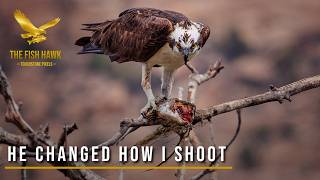
Wildlife Filmmaking Advice from a BBC & Nat Geo Cameraman (Alan Lacey)
259 views

I Almost Missed the Shot of the Year | Filming Osprey on the San Juan
72 views
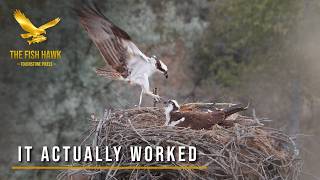
The $2 Car Blind Trick for Filming Osprey
56 views