
Secure Your Home Network: Router Setup & Essential Security Settings // Don't make THESE MISTAKES!
So, you've got your Home Lab server set up, but have you configured the most vital part of your home network? This beginner-friendly guide will walk you through essential router configuration and help you avoid common mistakes, ensuring a secure and efficient network. Learn how to change your DHCP range, set up static IP addresses, and configure your DNS settings to improve your network's performance and security. In this video, we'll demystify complex router settings like IP address ranges, and explain the difference between dynamic and static IP addresses. We'll also cover crucial security features and show you how to set up your DNS to leverage network-wide ad-blocking software like AdGuard or Pi-hole. Whether you're a complete novice or building your first Home Lab, this guide has everything you need to confidently configure your router. Got questions about your router setup? Let me know in the comments below! Don't forget to like and subscribe for more Home Lab tutorials. Chapter Markers 00:00 Intro 00:09 The Importance of Your Router 01:00 How to Access Your Router's Web Interface 01:39 Troubleshooting Access Issues (DHCP Mismatch) 03:30 Verifying Connectivity with Ping 04:08 Setting a Secure Router Password 04:30 Changing the DHCP IP Address Range 05:27 Renewing Your Device's IP Lease 06:16 Setting Up a Guest Network (Optional) 06:50 Reserving a Static IP Address 08:24 Configuring DNS Settings 09:33 Essential Router Security Tips 11:47 Ad Blocking on Your Router (AdGuard) 12:35 Blocking Devices by MAC Address 13:25 Final Thoughts
🎬 More from Bob Loves Tech
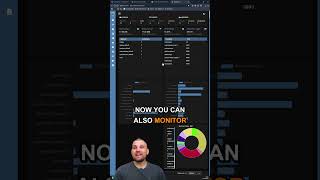
Dockwatch Docker Monitoring Tool #homelab #selfhosted #docker #proxmox
411 views
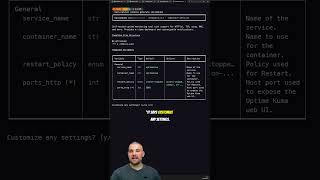
Stop Hunting for Docker Compose Files
272 views

If You’re the Family IT Guy, You Need Twingate
235 views
This upgrade turns my 12 Year Old Mac Mini into a Homelab Powerhouse #macmini #macupgrade
546 views
I stumbled across this absolute bargain! #techtok #homelab #macmini
1.1K views

Mac Mini M1 Homelab So Close To Perfection!
1.2K views