
#paloaltofirewalltraining | Day 30 | How to configure SSL-Decryption | Detailed Explanation
🛍️ Products Mentioned (2)

Join this channel to get access to perks: https://www.youtube.com/channel/UCBujQdd5rBRg7n70vy7YmAQ/join Hi Friends, Please checkout my new video on How to configure SSL Decryption in Palo Alto. If you like this video give it a thumps up and subscribe my channel for more video. Have any question put it on comment section Recommend Video https://youtu.be/TjtGi7cdhwg Recommend Link (Playlist for EVE-NG LAB Setup) https://www.youtube.com/playlist?list=PLaUiizP3D7fPMmUQqS5QKX_FVSoMP68Z5 Palo Alto Certification information URL: https://www.paloaltonetworks.com/services/education For Palo Alto Documentation https://docs.paloaltonetworks.com/ Please follow me Instagram : https://www.instagram.com/bikashtech Twitter : https://twitter.com/Bikashshaw82 E-mail ID : bikashshaw261@gmail.com #Paloaltotraining ##bikashtech #paloaltofirewalltraining #paloaltonetworks #sslcertificate #ssl
About This Video
Frequently Asked Questions
🎬 More from Bikash's Tech
#paloaltofirewalltraining | Day 50 | What is High Availability ? How it works ?
112 views
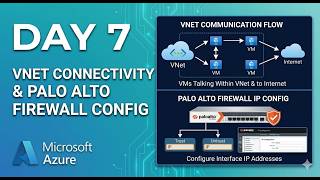
Day 7 Palo alto on Azure cloud. Understand VNETs connectivity| Palo alto Firewall initial Config
265 views
#paloaltofirewalltraining | Day 49 | What is Global Protect HIP and how it works ?
233 views
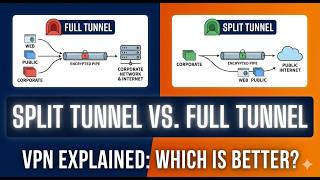
#paloaltofirewalltraining | Day 48 | What is split tunnel and what is full Tunnel ? how it works.
479 views
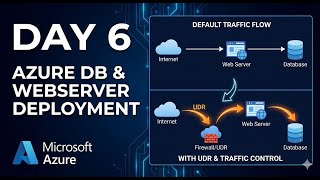
Day 6 Palo alto VM-Serise on Azure cloud. How Traffic flow works in Azure Cloud
407 views
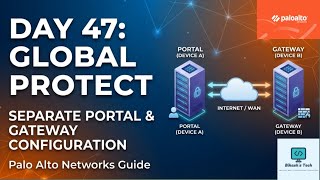
#paloaltofirewalltraining | Day 47 | How to Configure Global Protect Portal and Gateway
464 views