
How To Give MOVI A New Name And A New Voice - Arduino Voice Control Shield For Beginners
See how to give MOVI a new name and a new voice using the example code from the library. This is an Arduino voice control Shield video for beginners. If you're looking for beginner Arduino projects, this shield has a lot to offer! 🔒Stay safe online with NordVPN 👉 Get it here: https://go.nordvpn.net/aff_c?offer_id=15&aff_id=123676&url_id=902 (affiliate link) NordVPN helps protect your data, lets you stream securely from anywhere, and blocks ads & trackers with Threat Protection Pro™. It’s fast, easy, and works on all your devices. 🛡️ I may earn a small commission if you use this link (at no extra cost to you) — thank you for supporting the channel! 🔔🔔 SUBSCRIBE 🔔🔔 don't forget to subscribe and click the bell! https://www.youtube.com/channel/UCt4bQMxOytascRdZmRao0wg?sub_confirmation=1 Introduction to the MOVI shield - https://youtu.be/SI07llWpefQ https://www.audeme.com/ need help installing Arduino IDE? click here! https://youtu.be/UiQ7bEZdvOg Facebook: https://www.facebook.com/BMonster-Laboratory-101410418059806/ Twitter: https://twitter.com/b_monsterlab Chapters: 0:00 intro 0:36 MOVI voice options 2:00 add new voices to existing code 3:53 give MOVI a new name This video is for beginner Arduino users. We show you how to change MOVI's name (call sign) and switch MOVI's voice. This is an excellent Arduino shield for any beginner or anyone interested in Arduino voice control. Thank you for watching!
🎬 More from BMonster Laboratory
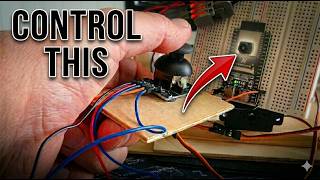
Control a Camera Wirelessly with ESP32 + Joystick (ESP-NOW Pan Tilt)
94 views
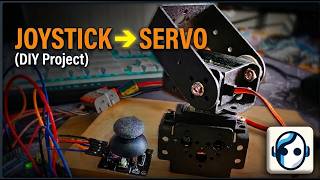
Simple Arduino Pan Tilt Servo Control with Joystick
831 views
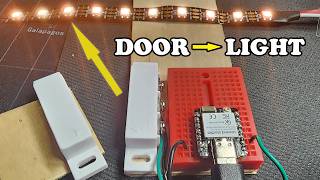
DIY Zigbee Smart Home with ESP32-C6: Door Sensor, Lights & Temperature
563 views
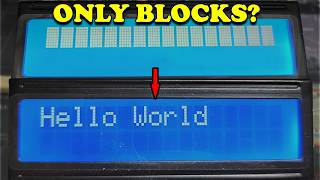
Arduino LCD Not Working 5 Common Mistakes Fix in Minutes - 1602 LCD Display
794 views
How To Properly Crimp Dupont Pins for Arduino – Wrong vs Right
1.1K views
I Built Motion-Activated Animatronic Eyes That Talk (Teensy 4.1 + WAV Audio)
268 views