
How to Program the Zilla Digital Power Center|Part 2: Troubleshooting
🛍️ Products Mentioned (1)
How to Program the Zilla Digital Power Center was quite a successful video! However many of y'all had some questions on troubleshooting the timer/initial start-up porcesses. So here is a Part 2 video where I go over some of the common issues people deal with after setting up (or failing to setup...) the Zilla Digital Power Center! JOIN USARK! BECOME A MEMBER!: https://usark.org/memberships/ Have any questions? Send me an email by clicking "about" in the channel under "channel details". From there you can send an email!
About This Video
Frequently Asked Questions
🎬 More from Alex’s Agamids
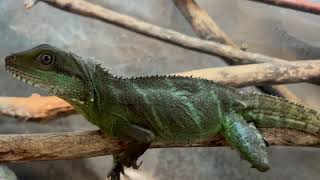
Chinese water dragon Eggs| Group C| Jan 3rd, 2026
79 views
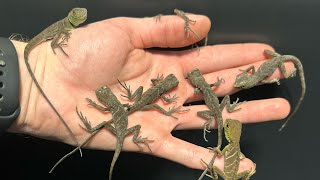
I hatched LIZARDS in my CLOSET! | Group C, January 6th, 2026
104 views
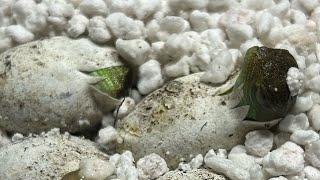
I waited 5 YEARS to hatch these WATER DRAGONS!
238 views
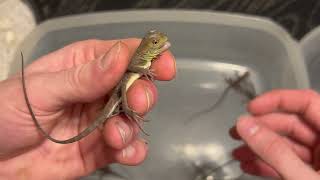
Chinese water dragons Hatching! | Group C
89 views
My LARGEST Clutch of Philippine Sailfin Dragons Just HATCHED!
201 views
ANOTHER Chinese Water Dragon Clutch! | Group C
106 views