
Blender for 3D Printing: A Beginner's Guide
🛍️ Products Mentioned (8)
Make sure to check out PCBWay at https://pcbway.com/g/J30cNm for your projects today! In part two of our Blender for 3D Printing series, learn key steps for preparing your models for 3D printing. This tutorial covers essential techniques like working with Normals, Non-Manifold Edges, and Real-Time Modifiers to ensure your designs are clean and ready for printing. Discover how to maintain a flexible workflow using Boolean Modifiers and Collections. Whether you're new to 3D printing or refining your skills, this tutorial helps you create precise, printable models. ✅ Grab some filament to help support my channel - Amazon Affiliate Links HATCHBOX PLA - https://amzn.to/4g8BAPE OVERTURE PLA - https://amzn.to/4gsexPx PolyMaker PLA - https://amzn.to/49xqvVT Elegoo Rapid PLA - https://amzn.to/3OKw9dQ Sunlu PLA - https://amzn.to/3Vx4ErL ✅My Top Pick for 3D Printers - Amazon Affiliate Links Flashforge Adventure 5M - https://amzn.to/3B4Wtw6 Flashforge Adventure 5m Pro - https://amzn.to/49oAFYX
🎬 More from ZeroDotCMD
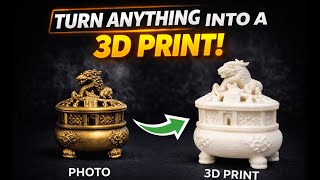
Turn Anything Into a 3D Print with Hitem3D!
9.0K views
Anycubic Kobra X – Better than Expected?
35.3K views
Is the NeoSander the Best Option for 3D Printing? Reciprocating Detail Sander!
19.1K views
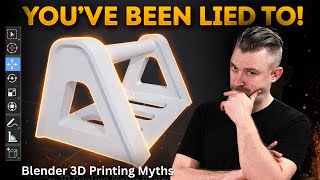
You’ve Been Lied To About Blender for 3D Printing
12.4K views
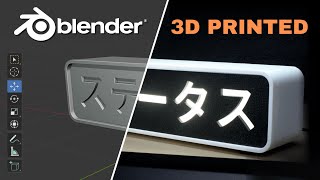
Custom 3D Printed Light Box (Designed in Blender)
3.7K views
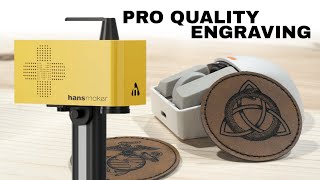
The Fastest Engraver I’ve Ever Tested – HansMaker F1 Pro
652 views