
How To Use The Loupdeck CT In Davinci Resolve
🛍️ Products Mentioned (1)
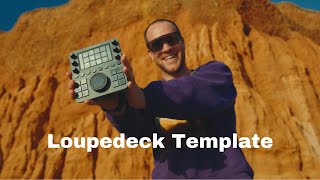
After receiving numerous inquiries about my custom Loupedeck CT profile designed for DaVinci Resolve, I've decided to make it accessible to all of you. *Explore it here:* ➡️ https://tikastudio.gumroad.com/l/loupdeckct *Check out the video:* https://www.youtube.com/watch?v=J1MjYUEhu58 Over the past year, I've meticulously refined these settings, prioritizing the most frequently used shortcuts. I've organized them in a thoughtful layout that I believe editors will truly appreciate. Creating this profile demanded a substantial amount of time and effort, but I'm thrilled to share it with you. I hope it proves valuable and further enhances your editing workflow. Enjoy the boost! 🚀 *One nifty trick I overlooked mentioning is that by pressing the left arrow key, you can instantly navigate to the beginning of your timeline. Conversely, the right arrow key will swiftly take you to the end of your timeline.* *As a Gumroad Associate, I earn from qualifying purchases*
🎬 More from Timo Janssen

The #1 Tool to Automate Your Video Editing Workflow in 2025 - Installation and Instruction Guide
151 views

No Creativity? No Problem – Here’s How to Come Up With Brilliant Ideas
359 views

Success Didn’t Make Me Happy – Here’s What Did
163 views

Organize Footage 20x Faster – The Ultimate Media Tool for Filmmakers
592 views
Master Loupedeck in DaVinci Resolve: Complete Tutorial & Template Guide
1.8K views

Sunrise Vibes: Early Mornings on My Epic Roadtrip
203 views