
How to Create Dynamic Notion Dashboard Cards | Complete Tutorial with Formulas & Relations
🛍️ Products Mentioned (8)
Formulas written out in the blog article
Notion Marketplace
Our store
Our classes
Our coaching service
Our community
Custom Notion Services & Setup
Level-Up your Notion! Free Resources, Premium Templates & Custom Services
✨ Free & Premium Notion Templates: https://theorganizednotebook.com/ 👩💻 Custom Design & Coaching Services: https://theorganizednotebook.com/collections/services Learn how to create a dynamic task dashboard in Notion that automatically displays your tasks due today, tomorrow, and any overdue items using advanced formulas and database relations. This comprehensive tutorial covers everything from setting up databases and creating custom display cards to building complex formulas that update in real-time. Perfect for anyone looking to level up their Notion workspace with powerful automation and dynamic content that keeps you organized and on top of your daily tasks. Don’t forget to like, share, and subscribe to the channel for more valuable tips! 🚀🔥 💻 Formulas written out in the blog article: https://theorganizednotebook.com/blogs/blog/how-to-create-dynamic-notion-dashboard-cards-complete-tutorial-with-formulas-relations ⏭️ Watch Next Learn Notion by Building Playlist: https://www.youtube.com/watch?v=01Mww1u-wVw&list=PLtlTpapNYD0QgSmWz2utad4AQ7amkvDt1 Notion In-Depth Tutorials: https://www.youtube.com/watch?v=aVKrhKBaeLg&list=PLtlTpapNYD0RuftXXKQbpaqU30s3-v7-_ ⏱️ Time Stamps 0:00 Intro 0:26 Getting Started 1:50 Creating Dynamic Card 3:00 Adding Text Properties 4:41 Date Formula 6:46 Task Database 7:32 Connecting Tasks to Dynamic Card 9:06 Tasks Due Today Formula 11:32 Tasks Due Tomorrow Formula 12:08 Tasks Overdue Formula 12:39 Testing Formulas 13:02 Adding Views to Task Database 13:53 Advanced Formulas ✨The Organized Notebook 🗓💼 ✨ Facebook: https://www.facebook.com/the.organized.notebook Instagram: https://www.instagram.com/the.organized.notebook/ TikTok: https://www.tiktok.com/@the.organized.notebook Pinterest https://www.pinterest.com/organizednotebook Twitter https://twitter.com/organizednote Notion Marketplace: https://www.notion.com/@the-organized-notebook Our store: https://theorganizednotebook.com/store/ Our classes: https://theorganizednotebook.com/classes/ Our coaching service: https://theorganizednotebook.com/coaching-service/ Our community: https://www.meetup.com/notion-meetup-group/ ❗️FTC Disclaimer: There may be affiliate links in this description, if you click on them I may receive a small comission. Copyright 2025 The Organized Notebook © All rights reserved. #notion #notiontutorial #notiontips @The Organized Notebook
🎬 More from The Organized Notebook
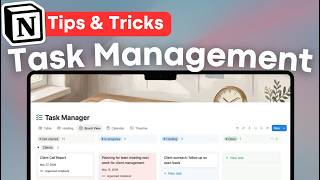
10 Task Management Tips & Tricks in Notion | Notion Tutorial & Guide!
62 views
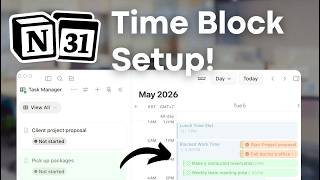
EASY Time Block System with Notion & Notion Calendar! (Step-by-Step Tutorial)
1.0K views
NEW Notion AI Skills | Tutorial + FREE Skill Pack Template
938 views
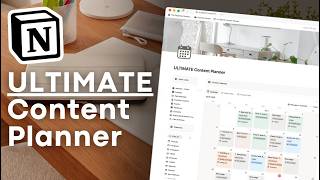
ULTIMATE Content Planner Notion Template | Template Tour & Tutorial + AI Version
1.2K views
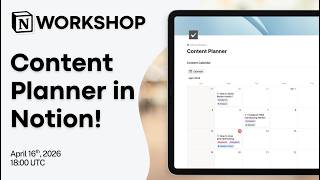
Notion Masterclass: Build Your Content Planner in Notion!
604 views
Notion vs. NotebookLM vs. Recall: Which AI Note taker Should You Use in 2026?
1.6K views