
How to Self-Host S3 Buckets for FREE in 2025?
🛍️ Products Mentioned (1)
✅ Free Custom Backend Architecture Review → https://www.theodufort.com/free-analysis?utm_source=6sojGlIh430&utm_medium=description&utm_campaign=youtube In this video, we approach how you can self host your own S3 buckets and integrate it in Coolify. docker compose file: version: '2.4' services: s3: image: minio/minio:latest ports: - "9000:9000" - "9099:9099" environment: MINIO_ROOT_USER: admin MINIO_ROOT_PASSWORD: ku23jr71 volumes: - /storage_block/mybookquest:/data command: server --address "0.0.0.0:9099" --console-address "0.0.0.0:9000" /data restart: always Timestamps: 00:00 Introduction to Self-Hosting S3 Buckets with MinIO 00:20 Important Announcement and Video Overview 00:55 What You’ll Achieve: Self-Hosted S3 Buckets in Coolify 01:34 Set Up Cloudflare Zero Trust for Secure S3 Access 02:58 Install and Configure MinIO for Self-Hosted S3 Storage 05:55 MinIO Server Configuration and Bucket Setup 09:04 Connect Self-Hosted MinIO S3 Storage to Coolify 📌 Watch these next: 🔹 Supabase Local Development Guide → https://youtu.be/BceVcpiOlKM 🔹 Migrate Supabase to Self-Hosted → https://youtu.be/ME3_sT6b-Zs #Supabase #PostgreSQL #BackendDevelopment #WebDevelopment #SelfHosted #DatabaseMigrations #SupabaseHosting
🎬 More from Theo in Tech | Backend Engineering
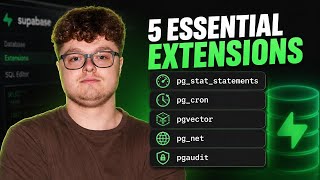
Every Supabase Developer Needs These 5 Extensions
71 views

Real Production Supabase Architecture Review (ep. 3)
52 views

Real Production Supabase Architecture Review (ep. 2)
74 views

Real Production Supabase Architecture Review (ep. 1)
241 views

Hiring for apps in 2026: freelance, agency, or AI?
245 views
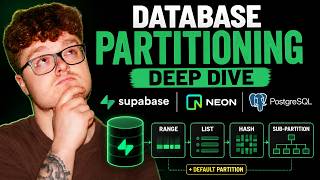
Database Partitioning Deep Dive: Supabase, Neon, and PostgreSQL
131 views