
Vlogmas Video 2 | December Plan With Me
Vlogmas Video 2: December Plan with Me Welcome to Vlogmas Day 2! 🎄 Today I’m setting up my December monthly spread inside my 2026 digital planner draft. Nothing fancy — just dropping in my dates, decorating the page, and getting my month ready in a simple, realistic way that works for me. I used my Christmas sticker pack from last year to add some color and make the page feel festive. If you like the stickers I used today, just leave a comment and I’ll send you the freebies by email. I don’t mind sharing them at all. In today’s video you’ll see: • How I fill in a clean, uncluttered December layout • My simple approach to monthly setups • How I use digital stickers to decorate without doing too much • A few easy habits that make digital planning feel lighter instead of overwhelming Digital Planning Tips I share: • Start with your dates — keep it simple • Decorate after the basics are in place • Don’t overload the page with too much color or too many stickers • Keep your iPad open throughout the week so your planner actually gets used • Planning doesn’t have to be perfect to help you stay organized I hope this gives you a calm moment to set up your own December. More planning, building, and behind-the-scenes videos coming every day for Vlogmas! ✨ Happy planning and happy Vlogmas! ❤️
🎬 More from The Dominating Teacher
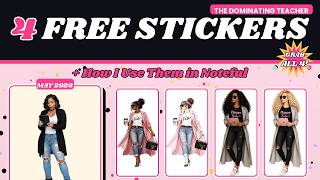
4 FREE Digital Planner Stickers + How I Use Them in Noteful (May Freebies)
61 views

April Plan With ME | Getting Back Into It After Q1
101 views
Why I’ve Been Away (Quick Life Update)
100 views
Plan our day
98 views
Vlogmas Video 20 | “Fixing My 2026 Sticker System After GoodNotes Let Me Down”
138 views
Vlogmas Video 19 | 3 Features I Didn't Know We Could Do In NOTEFUL!
199 views