
Transform your wall into a video backdrop with Govee Curtain Lights Pro
🛍️ Products Mentioned (3)
💡 Govee Amazon: https://amzn.to/45O06TJ // Govee Website: https://govee.sjv.io/dy9Vm7 The Govee Curtain Lights Pro are more than just holiday décor. They’re the ultimate customizable background for video creators. In this video, I show how I installed them in my office and why they’re now my go-to backdrop for filming. This product has transformed my office wall into a versatile, professional video background. Whether it’s brand colors, custom GIFs, or smooth dynamic effects, the Govee Curtain Lights Pro make it possible. 📷 Instagram » https://www.instagram.com/phizie 👨🏻💻 TikTok » https://tiktok.com/@MattPhilie 💬 Questions, comments, concerns? » matt@swashin.tv ✉️ Business Inquires » https://swashin.tv/media ⏱️ Chapters: 00:00 – My empty office wall problem 00:33 – Introducing Govee Curtain Lights Pro 01:03 – What makes the Pro version different 02:05 – Unboxing the Curtain Lights Pro 03:00 – Setup process and mounting experience 04:18 – First look at my new video background 05:01 – Instantly swapping colors and effects in the app 05:57 – Brightness test and balance with camera 06:23 – Final recap: chip, smoother GIFs, 30Hz refresh 07:09 – Why this is the true Pro upgrade 07:42 – Outro FTC: I earn a percentage of sales via my affiliate links. Product provided by Govee. #GoveeCurtainLights #SmartLighting #HomeOfficeSetup
🎬 More from swashin
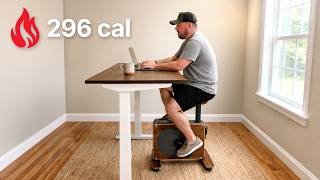
I Turned My Desk Into a Workout Station
243 views
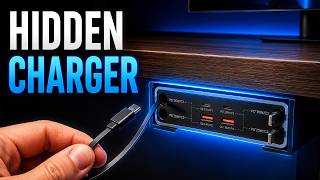
This Finally Solved My Cable Problem
468 views
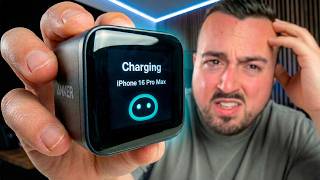
I Tested Anker's Weirdest Chargers So You Don't Have To
1.9K views
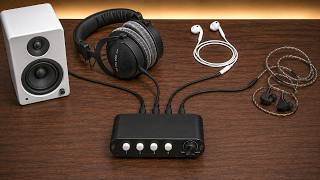
How I Instantly Switch Between Speakers and Headphones on PC
2.8K views
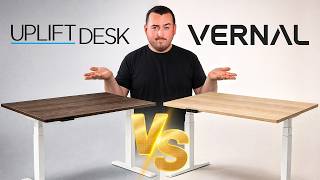
Vernal Core3 vs Uplift V3 Standing Desk — I Tested Both
939 views

This Neck Massager Literally Zaps You… But Does It Work?
90.2K views